

GIVE YOUR IDEAS A LITTLE MOVEMENT
AI Video Generator
Turn a scene into a short video. Describe the action, choose your framing, and guide the camera. Start from text or add an image reference.
Select video model
Paid
Resolution
Paid
Aspect ratio
Paid
Duration
Paid
Settings
Try an idea
SeedanceVeoKlingGrok VideoWanMiniMaxHailuoViduPixVerseRunwayAgnesHappyHorse
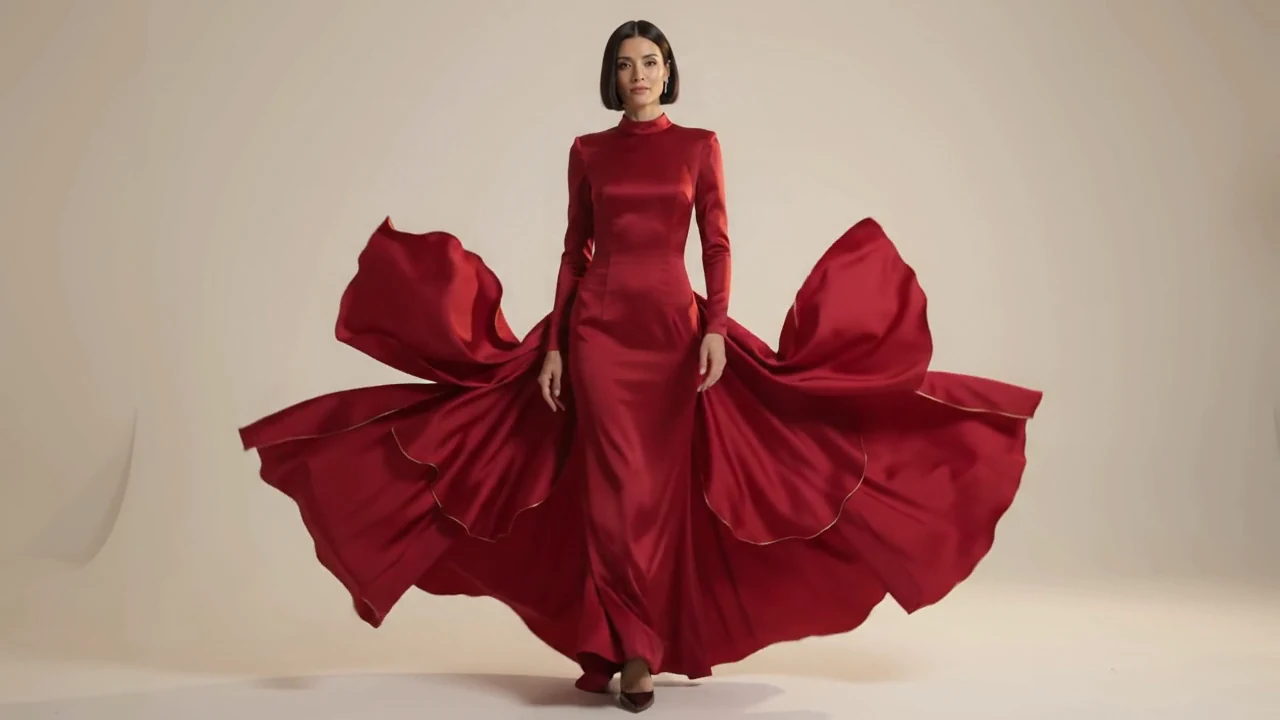
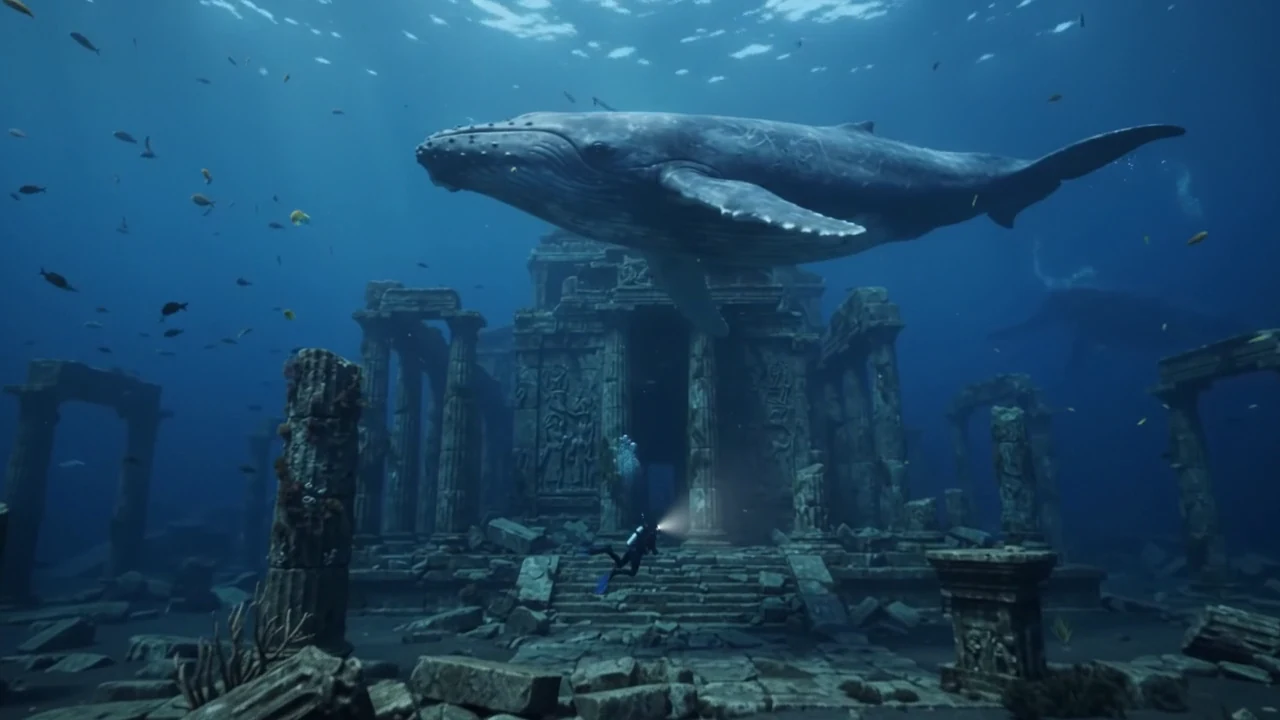
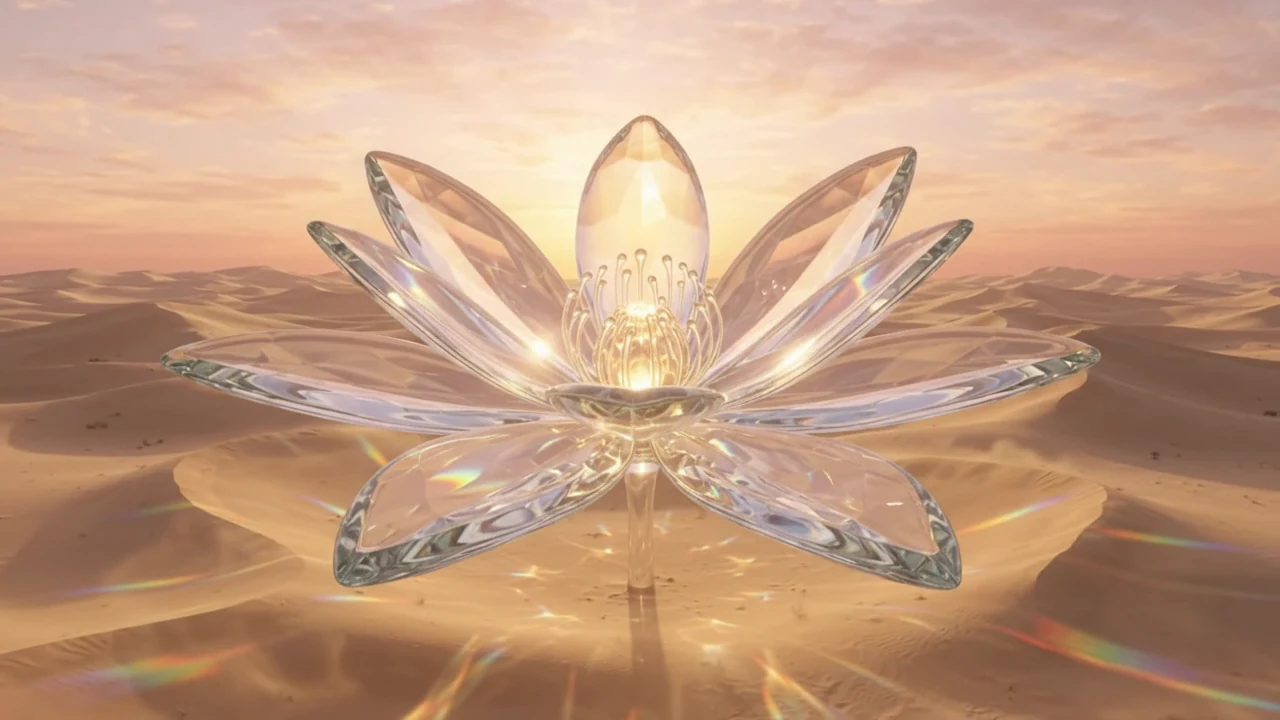
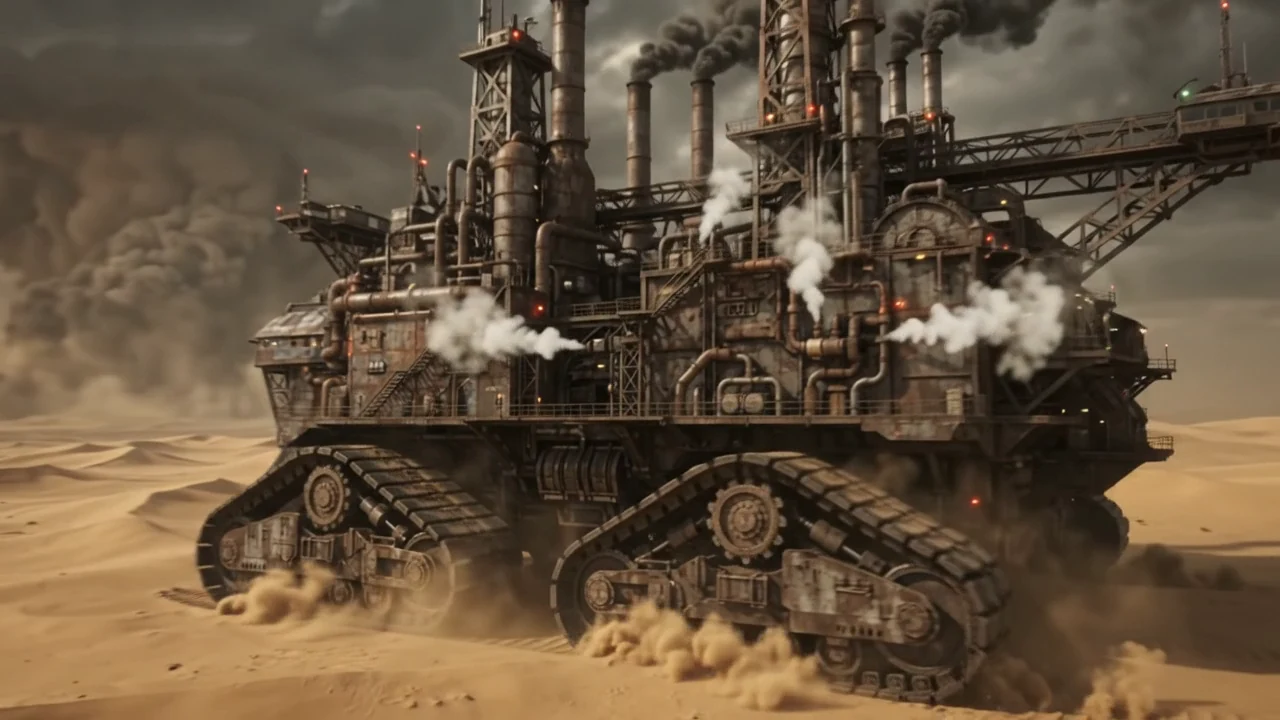

THE INSPIRATION LIBRARY
Small scenes. Cinematic possibilities.
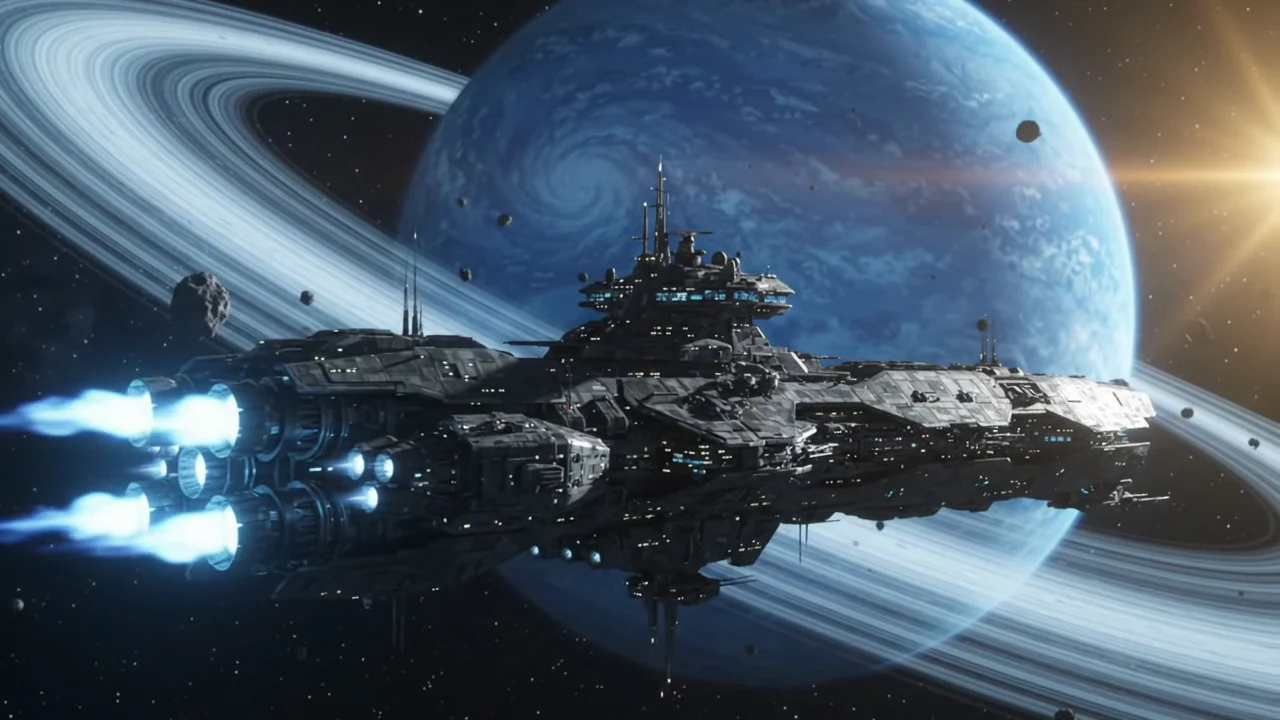
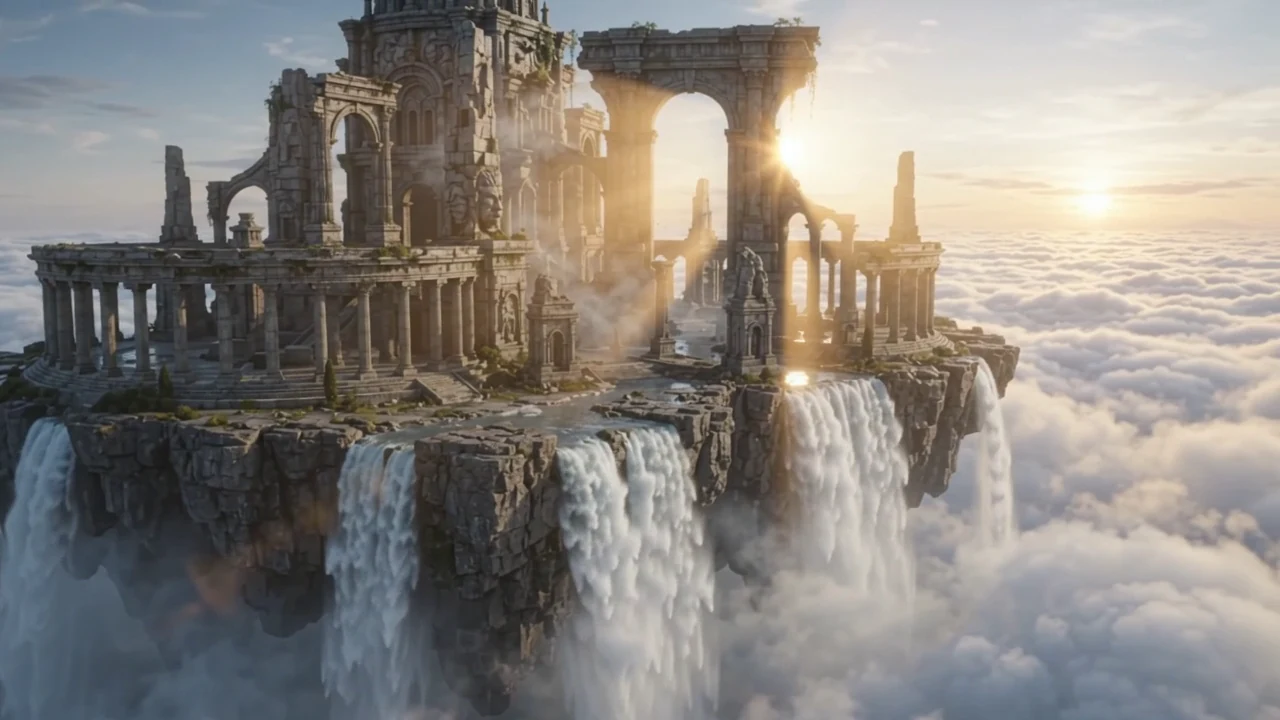
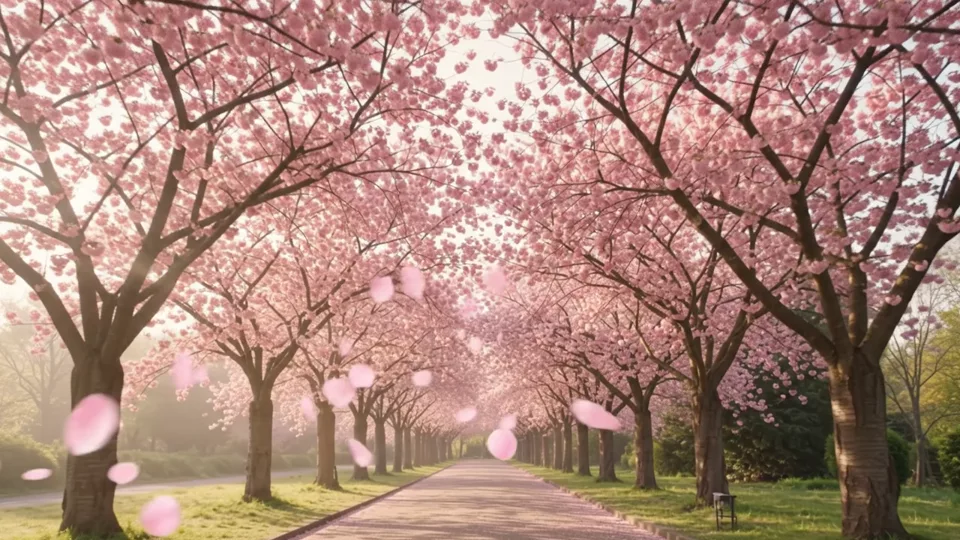
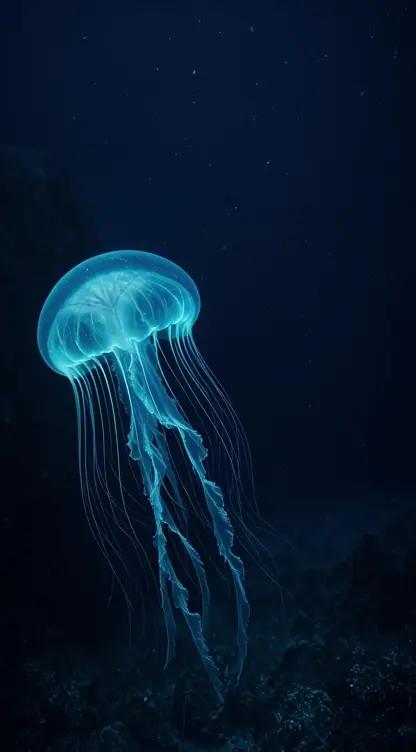
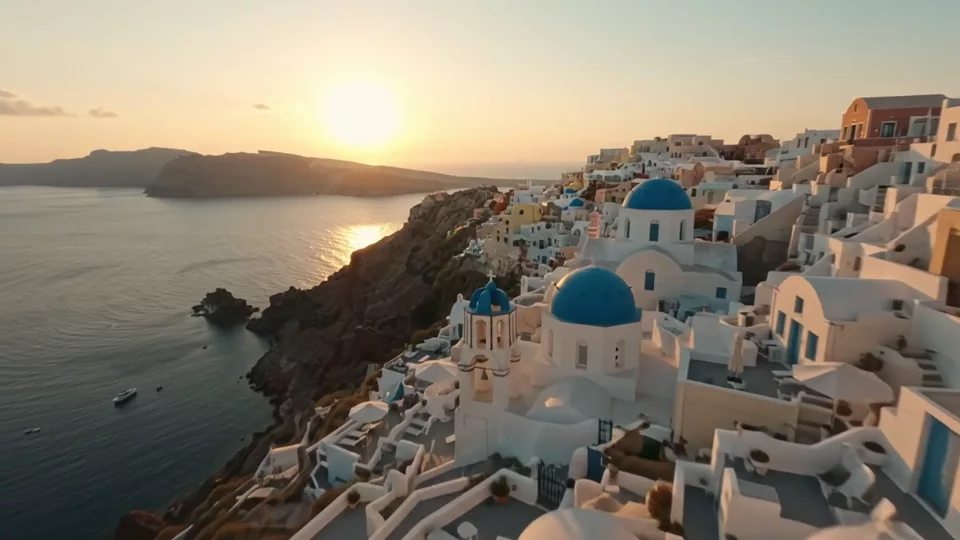
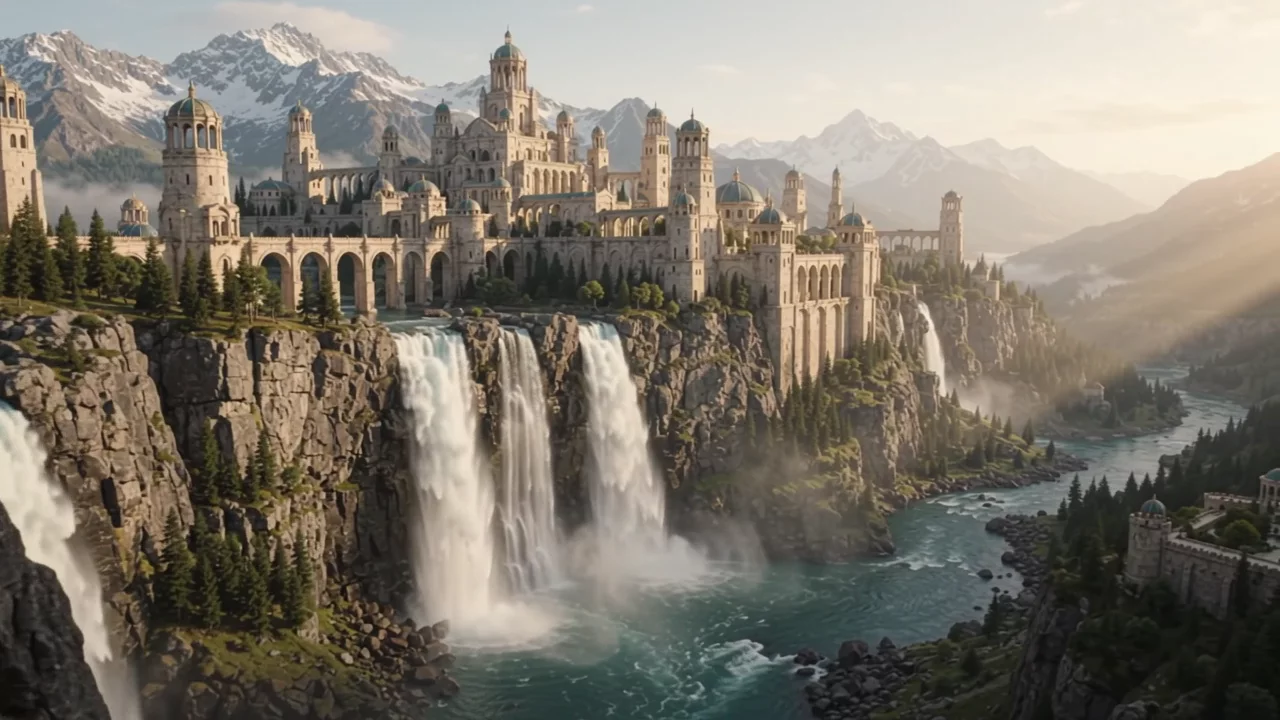
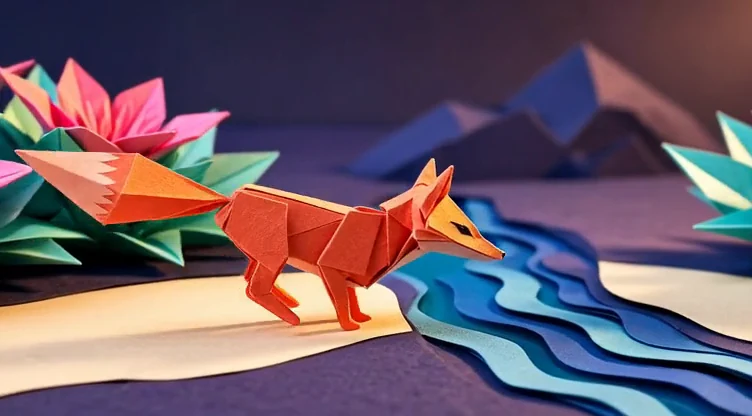
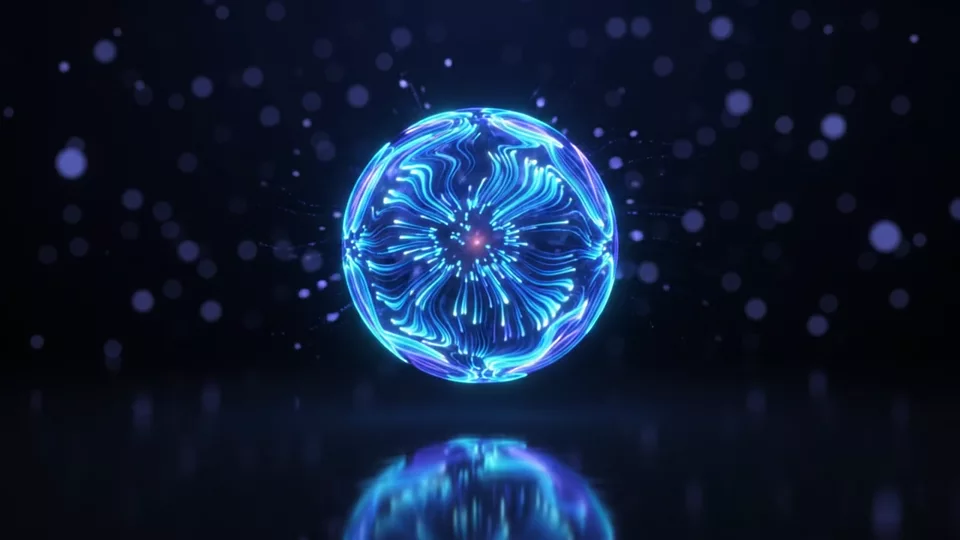
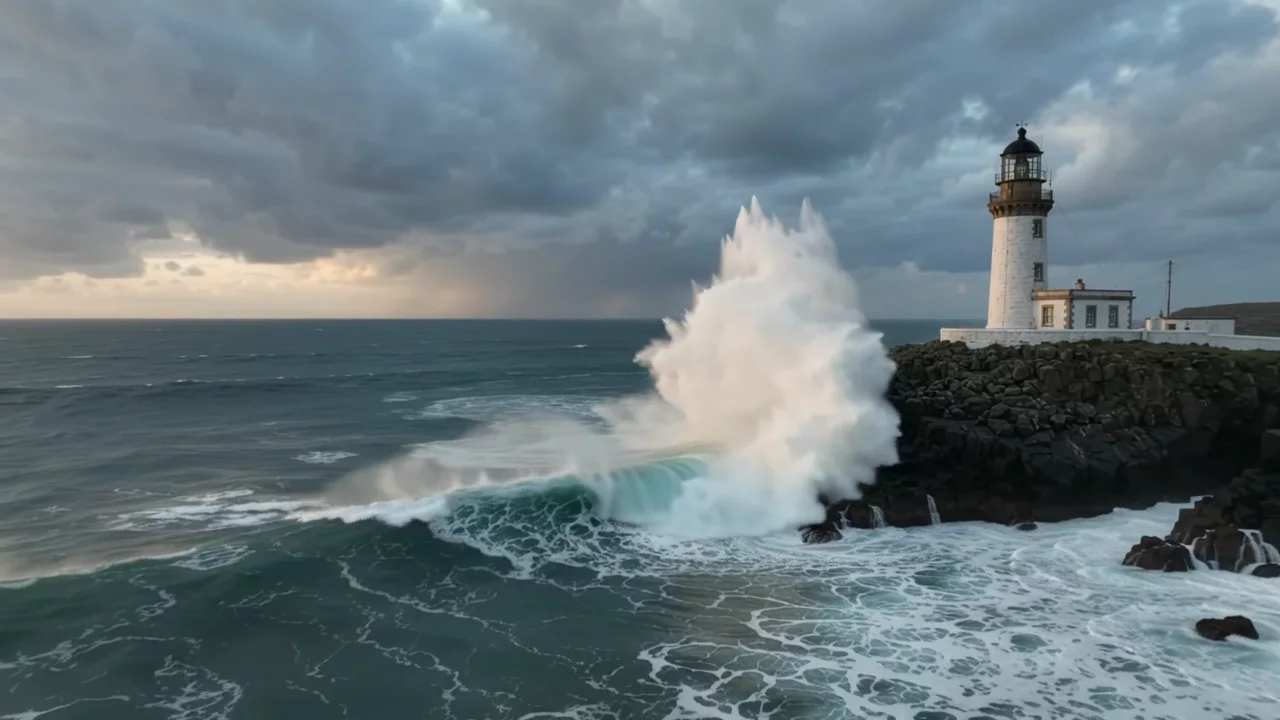
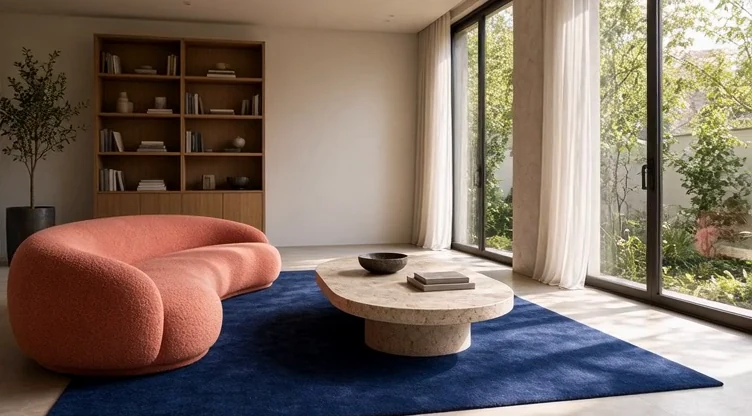
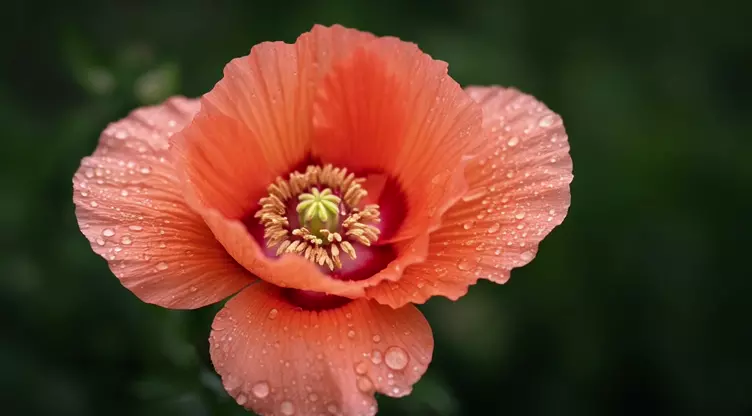
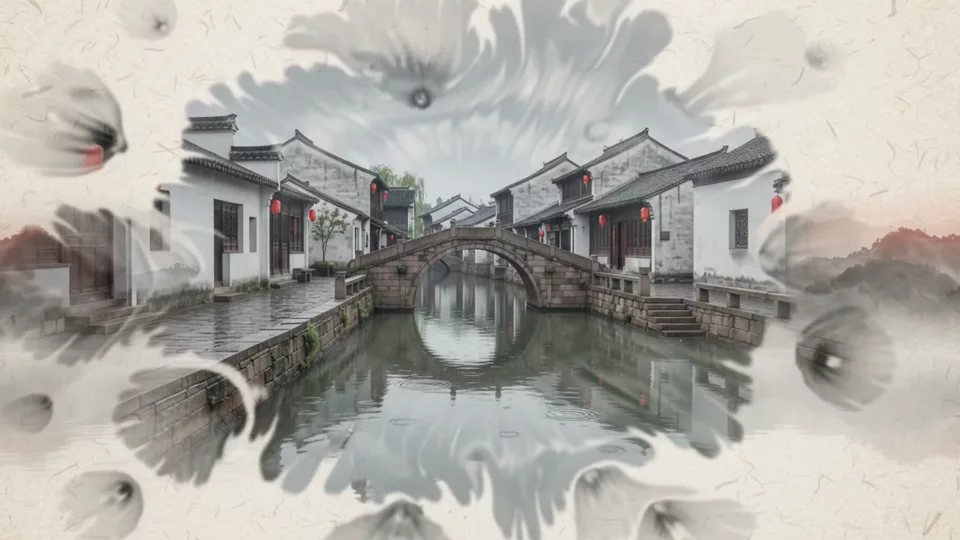
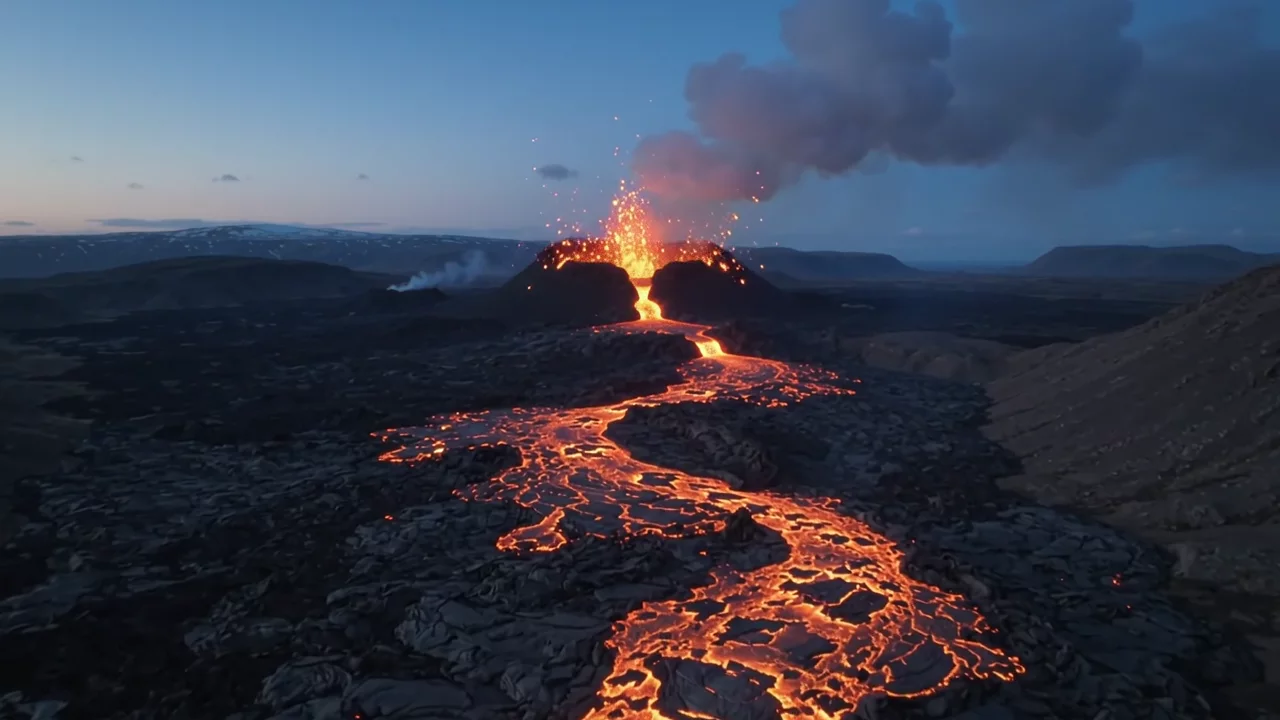
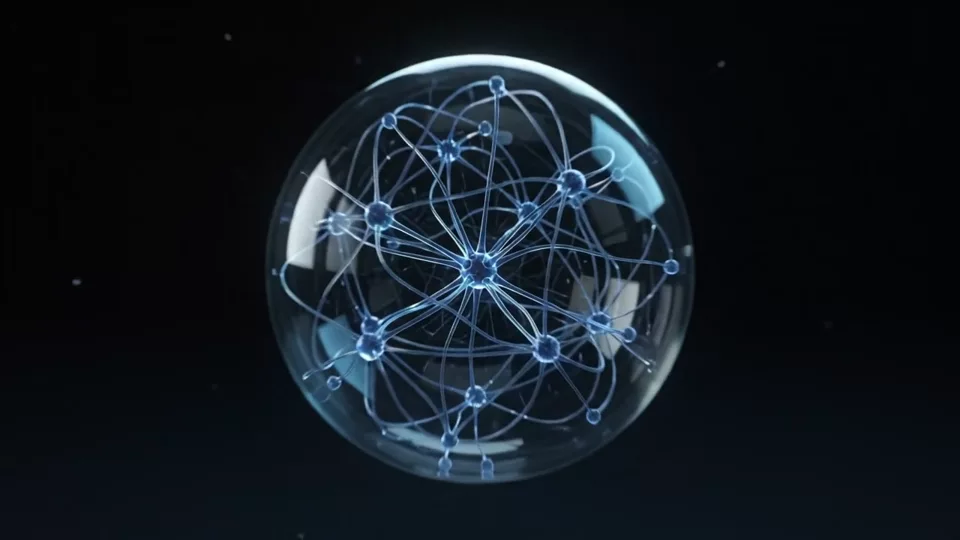
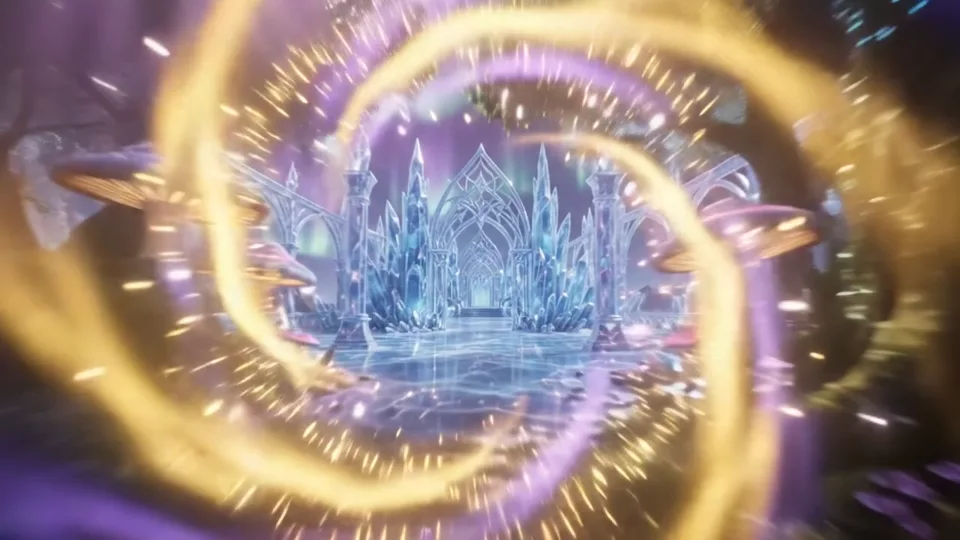
Watch original motion studies. Each example pairs a playable clip with a concise direction for subject, movement and camera.

MAKE IT YOURS
A starting point for your next idea.
Choose a prompt. Change a detail. See where it takes you.
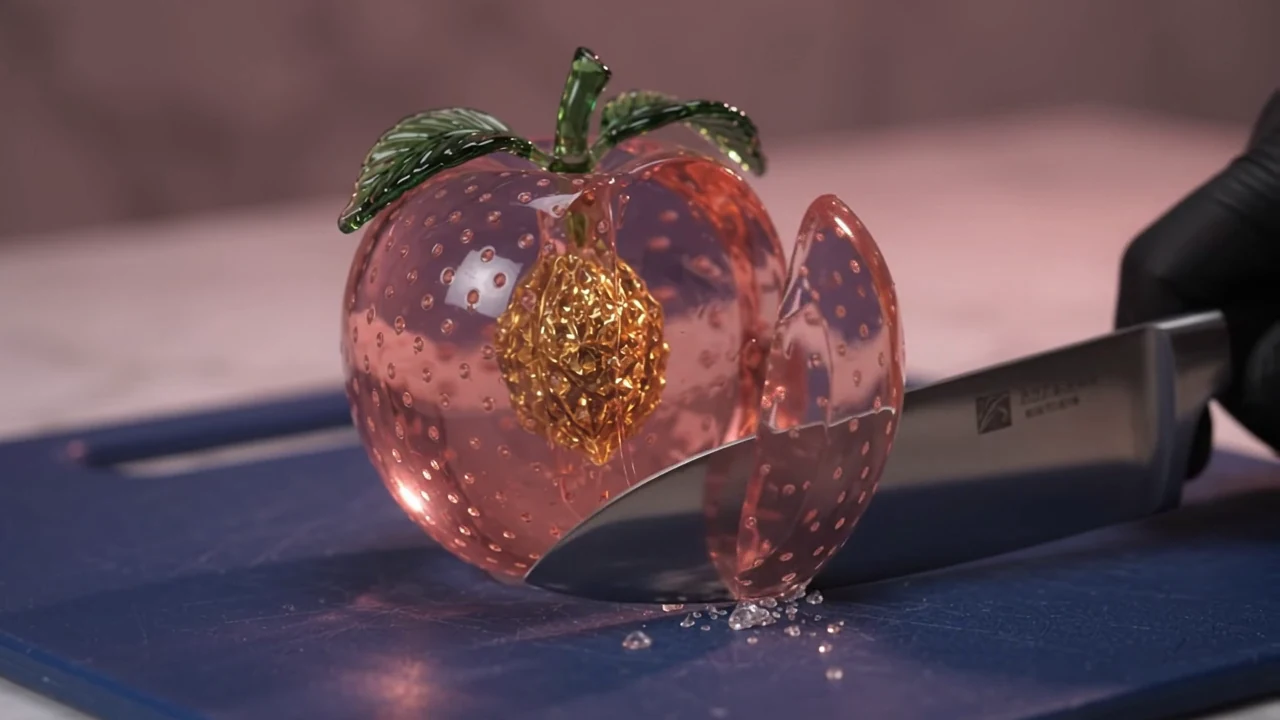
A cut above ordinary
Create a 10-second landscape macro ASMR video in one continuous shot. A translucent rose-pink crystal peach with a golden crystalline pit rests on a midnight-blue cutting board. One black-gloved hand lowers a steel knife in a single deliberate cut. A thin slice separates, tips gently and settles beside the fruit. Locked three-quarter camera, sharp glass detail, luminous reflections and delicate crystal-cutting sound. No repeated cutting, explosive shattering, text or music.
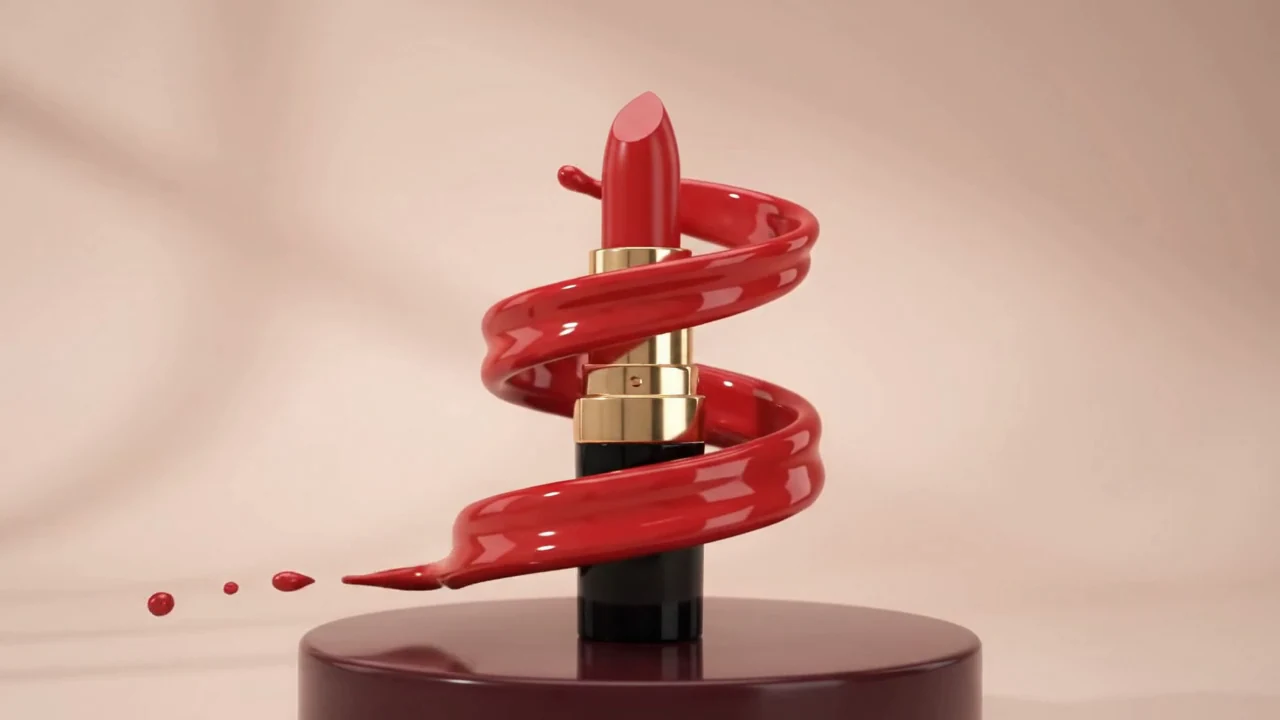
Red, in full motion
Create a 10-second landscape cosmetics commercial in one continuous shot. An unbranded scarlet lipstick in black and gold packaging stands on a burgundy pedestal against a pale blush studio. A glossy red liquid ribbon rises in one smooth spiral around the stable product, opens into a crown-shaped splash, then falls into droplets. Restrained camera arc, coherent liquid motion, polished reflections, soft liquid sound. Keep the lipstick tip visible; no text, logos, music or speech.
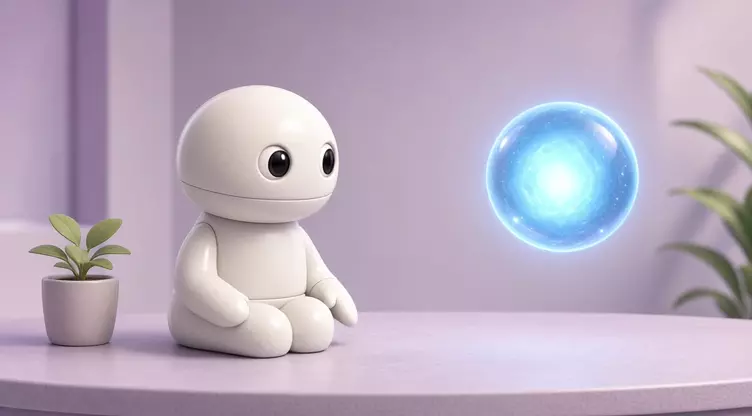
A curious little companion
A friendly ivory ceramic robot sits on a lavender desk beside a small plant. It slowly turns toward a floating blue orb and gently raises one mitten-shaped hand. Soft studio light, consistent stylized 3D shapes, one continuous shot, no text, logos or speech.
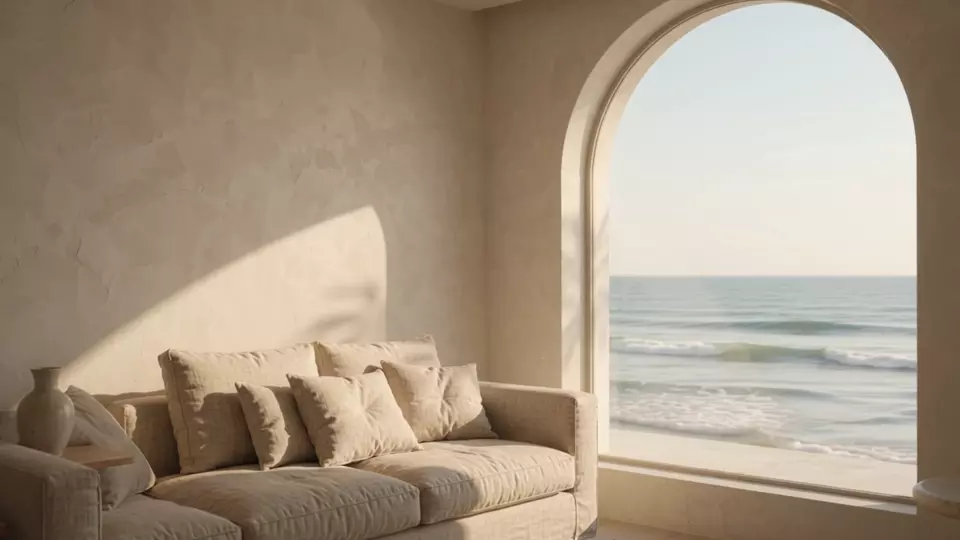
Light through the arch
A slow camera push into a minimal seaside living room with an arched window, beige linen sofa and limewash walls. Warm sunlight moves gently across the room; ocean waves roll outside. Realistic materials, one continuous shot, no people or text.
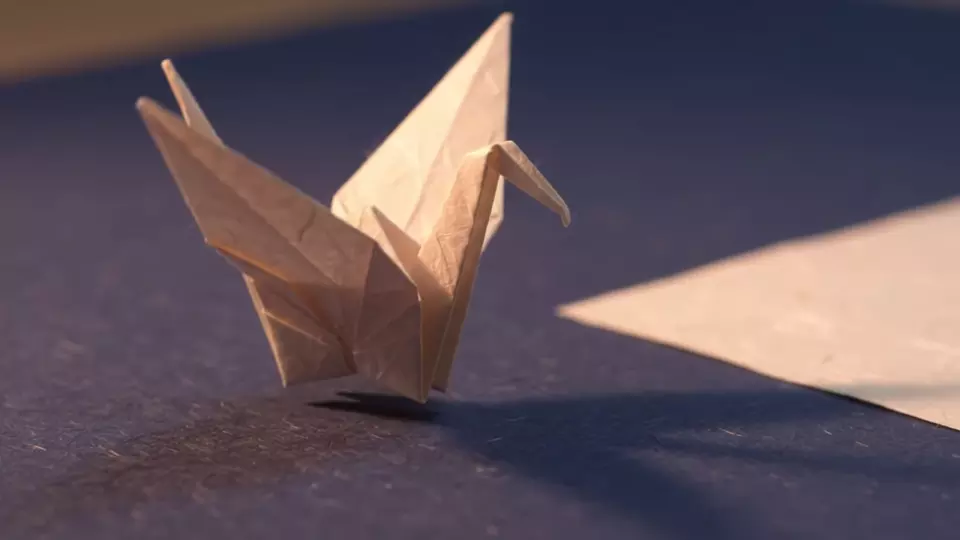
A small paper flight
An origami crane slowly opens its paper wings, rises a few centimeters from an indigo tabletop, and lands on a warm white sheet. Macro cinematic lighting, visible paper fibers, one continuous shot, no text or logos.
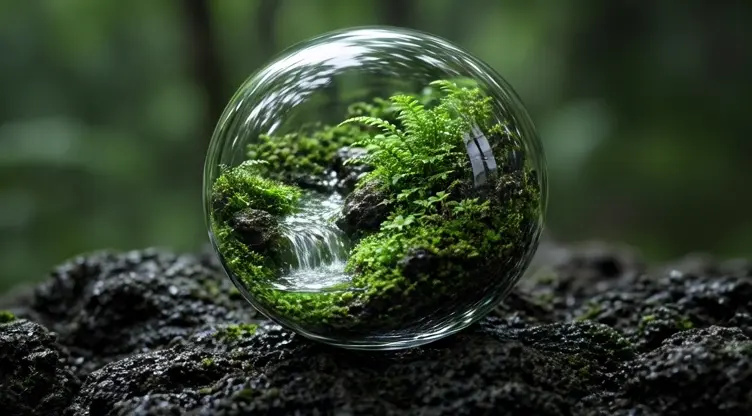
A world in motion
A tiny lush green forest and flowing waterfall contained inside a crystal clear glass sphere resting on dark volcanic stone. Slow smooth camera orbit around the intact sphere, tiny water moves naturally, soft emerald light, precise glass refraction, elegant miniature world, one continuous landscape shot, no humans, text or logos.
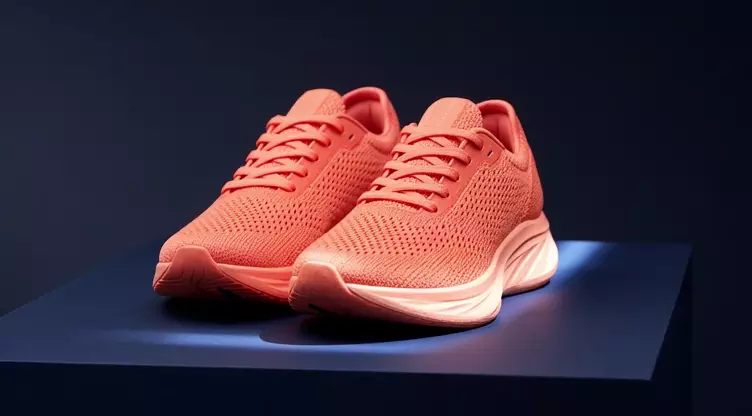
Texture in motion
A pair of unbranded coral-orange running shoes rests on a deep navy studio plinth. A slow lateral camera slide reveals knit fabric and sculpted soles as a soft light strip moves across the materials. Stable geometry, one continuous shot, no text or logos.

Take a slower morning
A single cream ceramic espresso cup on a dark walnut cafe table, delicate realistic steam slowly curling upward through warm golden window light, soft bokeh, slow gentle camera push-in, peaceful morning mood, stable cup geometry, one continuous shot, no people, text or logos.
WAYS TO CREATE A VIDEO
Build a scene. Give a still image movement.
An AI video maker is most useful when each short clip has one clear job. Pick your starting point, then describe the motion.
Text to video AI
A text to video generator starts with a written scene. Describe the subject, its action and one camera move to make a short visual concept, atmosphere shot or product study.
- Describe the scene and one continuous action.
- Choose a supported duration, aspect ratio and resolution.
- Review the price, then inspect motion and continuity in the completed clip.
EXAMPLE DIRECTION
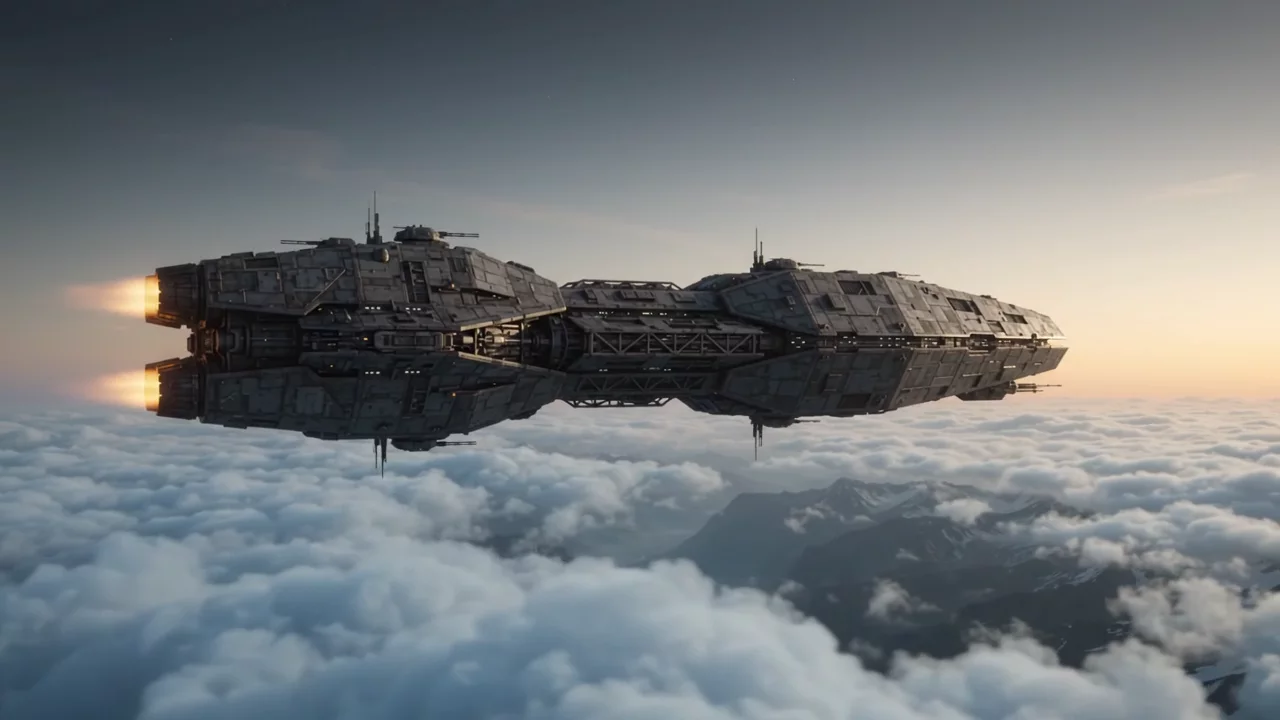
Explore the workspace A graphite exploration ship crosses dawn clouds; the camera tracks alongside as a mountain valley emerges below.
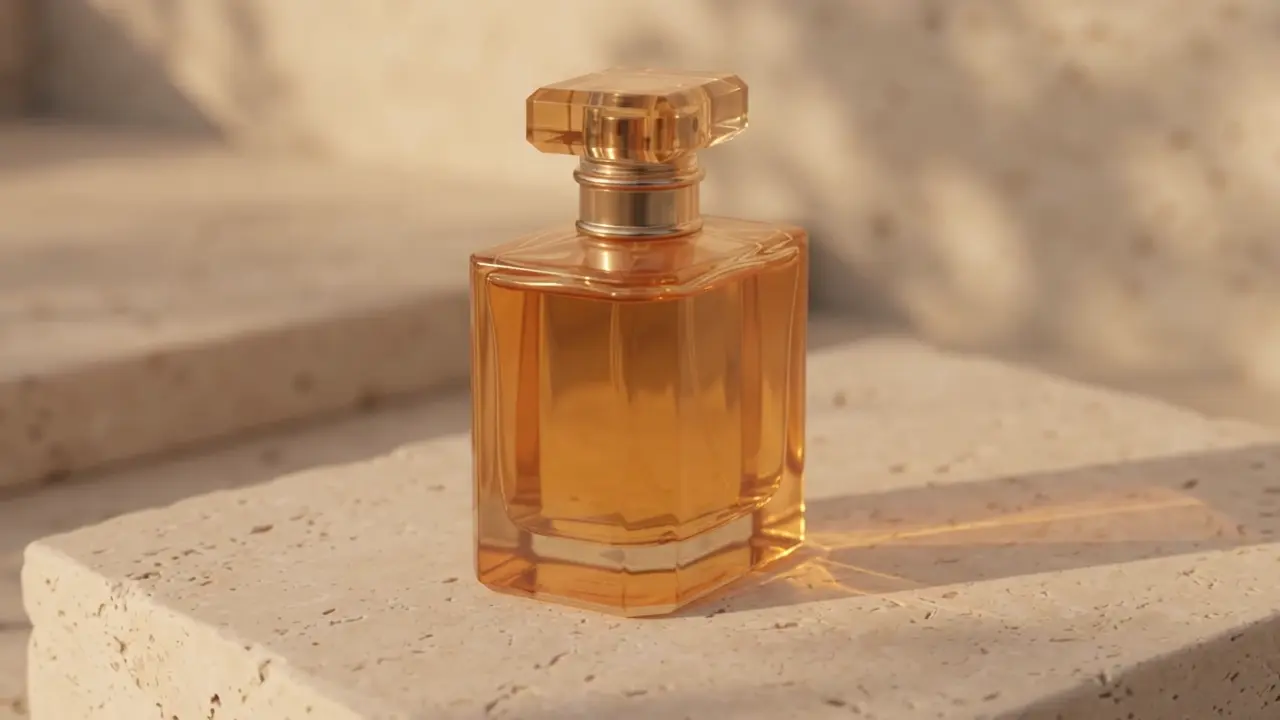
Image to video AI
An image to video generator uses a photo or illustration as a visual starting point. Upload an authorized image and describe gentle subject movement or a camera move. It may change fine details.
- Select a video model that accepts an image reference.
- Upload a clean starting frame and describe what should move.
- Keep the action simple and check the subject throughout the clip.
EXAMPLE DIRECTION
Explore the workspace Use the bottle as the starting frame; slowly orbit the camera while a soft reflection moves across the glass.
MATCH THE OUTPUT TO THE JOB
Short videos with a clear purpose.
Photo to video animation
Bring a product photograph, landscape or illustration into motion. Start with gentle movement; complex gestures and exact identity preservation are less predictable.
AI product videos
Explore a camera orbit, a reveal or moving light across a product. Check that shape, label and material stay suitable for the intended use.
Short social videos
Create a short visual for a reel, story or post. Choose a supported vertical format and leave time for a clear opening. Add captions and assemble a final edit separately.
Cinematic clips
Describe a tracking shot, slow dolly or atmosphere scene. Lighting and camera direction help establish a coherent style in a single shot.
Animated illustrations
Explore paper craft, storybook scenes or stylized character movement. Keep the character design simple and the requested action small.
Nature and background footage
Create a calm water scene, clouds or macro details for a mood board or edit.
Need a stronger starting frame?
Explore the AI image generatorA SIMPLE CREATIVE PROCESSLess figuring out.
Less figuring out.
More making.
Start small. Be specific. Keep the details that work and refine the ones that don’t.
Bring your idea to life01
Describe your idea
Start with a subject, a setting and a feeling. Add a reference image if you already have a direction.
02
Make it your own
Choose the framing and refine your prompt. For video, add a clear action and camera movement.
03
Review. Refine. Create.
Inspect the result, adjust a detail, and download the version that fits your project.
CREATE WITH A PURPOSE
Make every second say something.
A useful visual starts with a clear job to do.
Build a direction around the result you need.
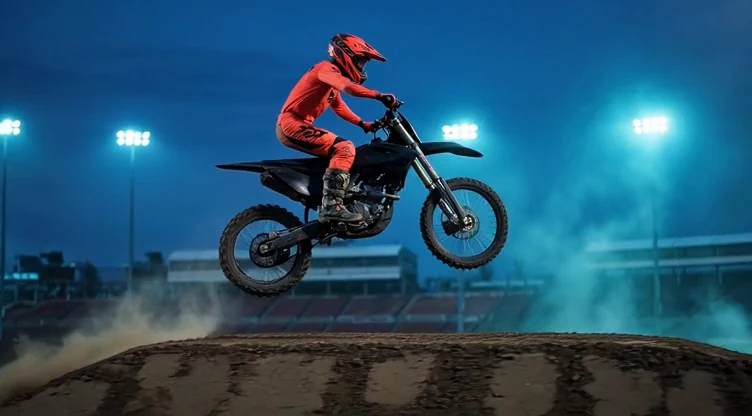
01 / CINEMATIC VIDEO CONCEPTS
A story in a single shot.
Use a specific subject and one camera move to build a coherent scene. Establishing shots, atmosphere clips and visual concepts all benefit from a focused direction.
Try this direction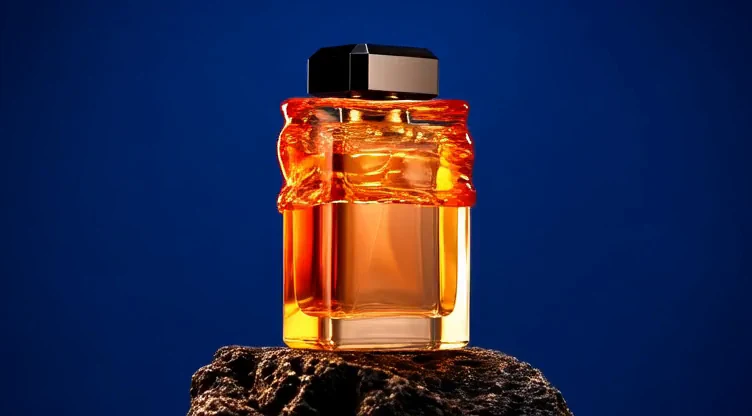
02 / PRODUCT VIDEO STUDIES
Put your product in motion.
Describe a lighting change, a camera arc or a single burst of motion. Keep the product shape and the camera direction clear in your prompt.
Try this direction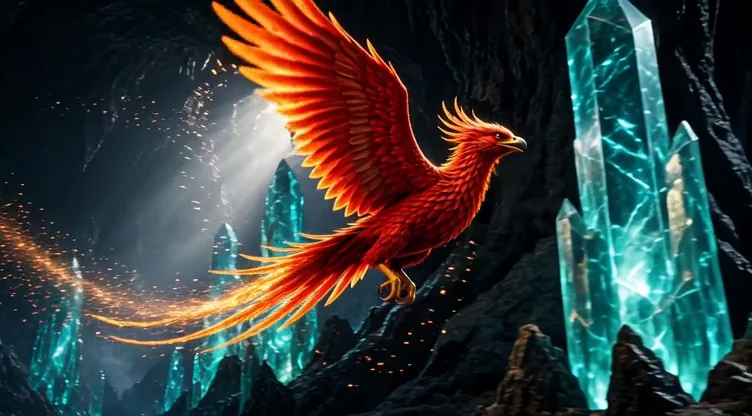
03 / CREATIVE MOTION EXPERIMENTS
Make room for the unexpected.
Explore light, texture and imagined places. Short clips let you test a visual direction before committing to a longer edit.
Try this directionA FEW THINGS TO KNOWGood questions.
Good questions.
Clear answers.
Getting started with ai video generator.
What is an AI video generator?+
An AI video generator creates a short moving scene from your description or a reference image. It is useful for visual concepts, product studies, atmosphere shots and social content.
What is the difference between text to video and image to video?+
Text to video starts with a written scene. Image to video uses an existing image to anchor the appearance, then adds motion based on your instructions. Model support varies.
How should I describe movement?+
Use one clear action and one camera movement. For example: a red car drives steadily across the dunes while the camera tracks beside it. Too many cuts or simultaneous actions can reduce consistency.
Can I choose video duration?+
The workspace supports short clips. Duration and resolution depend on the selected model. Open a gallery clip to watch an example at its original resolution.
Do the videos include audio?+
Some video models include generated audio. Others create silent footage. The gallery player uses the actual audio track when present; turn sound on to check a clip.
Can I download my video?+
Yes. Open a completed result and select Download.
Is this a free AI video generator?+
Sign in to claim 150 credits on your first day, then 100 every 24 hours. Daily credits expire after 24 hours. Choose a Free model and check the cost on the Create button; some settings need more than 100 credits.
Can I turn a photo into a video?+
Yes, with an image-capable video model. Upload an authorized photo and describe a small movement or camera change. Clear subjects and a simple action are a useful starting point; faces, product labels and other details can change during generation.
Can I make short videos for social media?+
Choose a model with the aspect ratio and duration your project needs. Generate a short shot, then add captions, music and any further editing in your preferred editor.
Can I make animations from illustrations?+
An image-to-video model can use an illustration as a starting frame. Describe the character action, background movement and camera direction separately. Keep the first attempt simple and check that the drawing stays recognizable.
What happens if generation fails?+
Failed generations are refunded. Daily credits keep their original expiry. If a task shows Checking, check its status before starting another.
YOUR NEXT IDEA STARTS HEREWhat will you
What will you
make today?
Turn a prompt or a reference into your next image or video. Start with one idea and make it your own.
Start creating