YOUR WORDS. YOUR FLOW.

Freestyle Rap
Word Generator

Get random words, word pairs or topics on a timer. Find your next line, change the pace and keep the bars worth saving. Free to practice, no account needed.

Built-in prompts
MAKE A LINE WITH THIS WORD00:00

spotlight

Every 8sEasy
8s
RecentYour next line starts here.

Tap the word or press Space to skip.

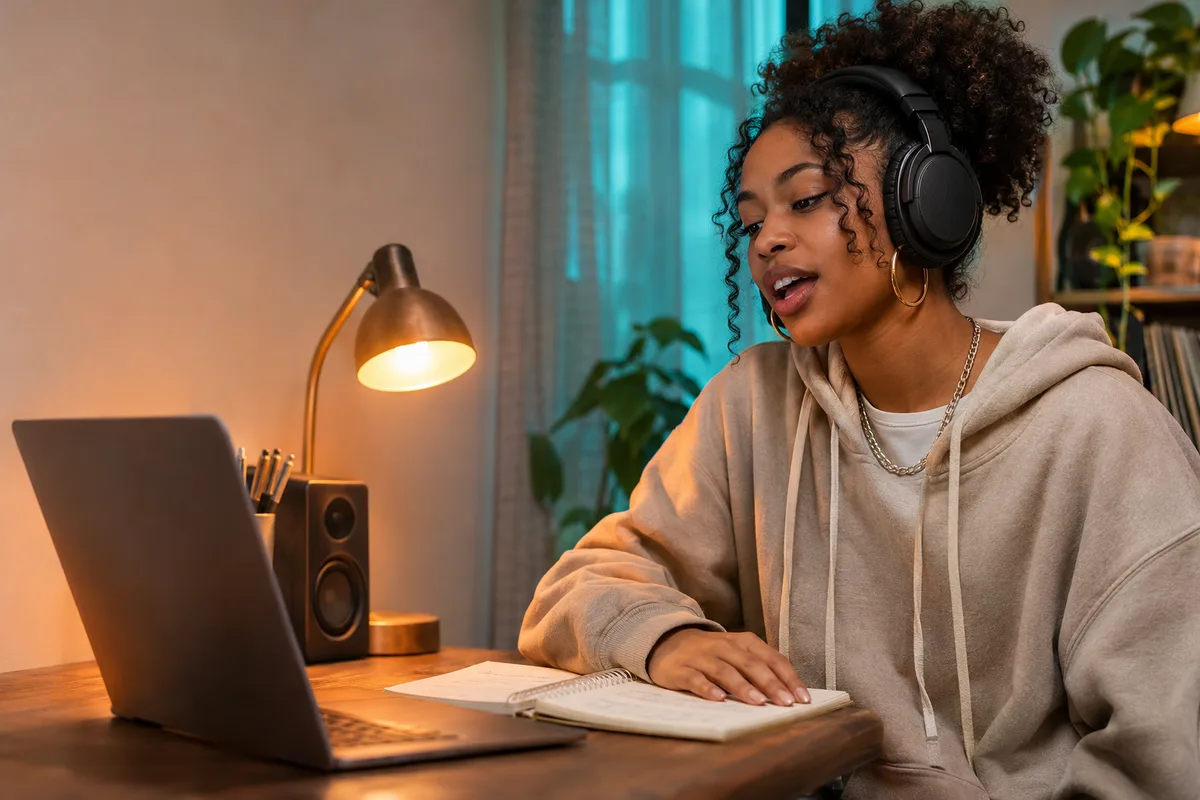
A rapper practicing alone with headphones and a laptop at a home music desk
Solo practice · Start at your own pace
YOUR FIRST FREESTYLE ROUND

You get the word.
You make the line.

You can start with a sentence you would actually say. Look at the prompt, picture something specific, and speak the idea out loud.

  1. 01

    See “coffee”.

    Picture your morning: the cup, the kitchen, the missed train.

  2. 02

    Give the image a line.

    “Coffee on my jacket, still running for the train…”

  3. 03

    Keep going, or keep the line.

    Follow the next word. If a phrase lands, pause and save it in your notes.

A WORD IS A STARTING POINT

One prompt.
Your next two lines.

A random rap word gives you somewhere to begin. These written examples show three ways to build a line: a scene, a connection and a story.

ONE WORD → A SCENE

Put the word inside a moment.

spotlight

I waited in the wings while the band played through the night,

Then stepped out with my name into the heat of the spotlight.

You can take a line to reach the word. Give it a place, an action and a reason to matter.

TWO WORDS → A CONNECTION

Find a link between two ideas.

train + crown

Last train rattled home while the rain was coming down,

I turned a folded ticket to a tiny paper crown.

Both words belong to the same scene. They can land in different lines while the idea stays connected.

A TOPIC → A STORY

Let the next detail change things.

Starting over

First night in a new town, one box beside the door,

By morning I knew the neighbor who was sleeping on my floor.

A topic gives you room to stay with an idea. Add a person, a change or an unexpected detail.

FIND A COMFORTABLE FIRST ROUND

Pick a short
freestyle challenge.

Give yourself room to finish an idea. Start slower, then add pressure when you can keep the thought moving.

60 SECONDS · SLOW

Find your first line

Start with familiar objects. Finish one thought before the next word, and leave room to breathe.

60 SECONDS · TWO WORDS

Connect the unexpected

Put both words in one scene, or use one as a comparison. A clear connection comes before a perfect rhyme.

2 MINUTES · TOPICS

Keep a story moving

Choose who is speaking and what they want. Let each new prompt change what happens next.

THE TIMER IS YOUR CHOICE

Give your next idea
room to land.

Pick the amount of time that lets you finish a thought. The word is a prompt, not a deadline you have to beat.

Bring a beat when you’re ready.

Use Sound settings for your own instrumental or a metronome. The word interval and beat tempo can be adjusted separately.

ONE PROMPT12s
01Picture it
02Say the setup
03Bring the word in

Room for a first attempt.

Try a plain description, then add a detail. A slower change leaves space to find your next line.

RANDOM WORDS, WITH A DIRECTION

Freestyle rap words
for different moods.

A theme can keep the verse close to what you want to say. Practice one of these word lists, or bring your own places, objects and phrases.

Everyday scenes

trainkitchenwindowjacketcornerkeyscoffeephone

Describe the details you already know. A familiar object can carry a whole story.

Confidence

spotlightcrownstagesparkclimbvoiceteamgold

Give the confidence a reason: something you finished, learned or came back from.

Storytelling

midnightletterstationsuitcasehomepromiseroadphoto

Find a person, a place and something that changes. Keep one detail from the previous line.

Battle wordplay

mirrorpaperladdershadowclockechosparkcrown

Turn an object into a playful comparison. Build a setup instead of repeating the same insult.

ONE SCREEN. A FEW FRIENDS.

Pass the verse.
Keep the ideas moving.

Try a small freestyle cypher: one person starts a scene, the next picks up a detail. Use fullscreen so everyone can read the prompt.

A

“You left a crown on the last train home…”

B

“I made it from a ticket, now the whole car knows…”

  • Take turns on the same prompt.
  • Switch words when the next person is ready.
  • Add words suggested by your group in My words.
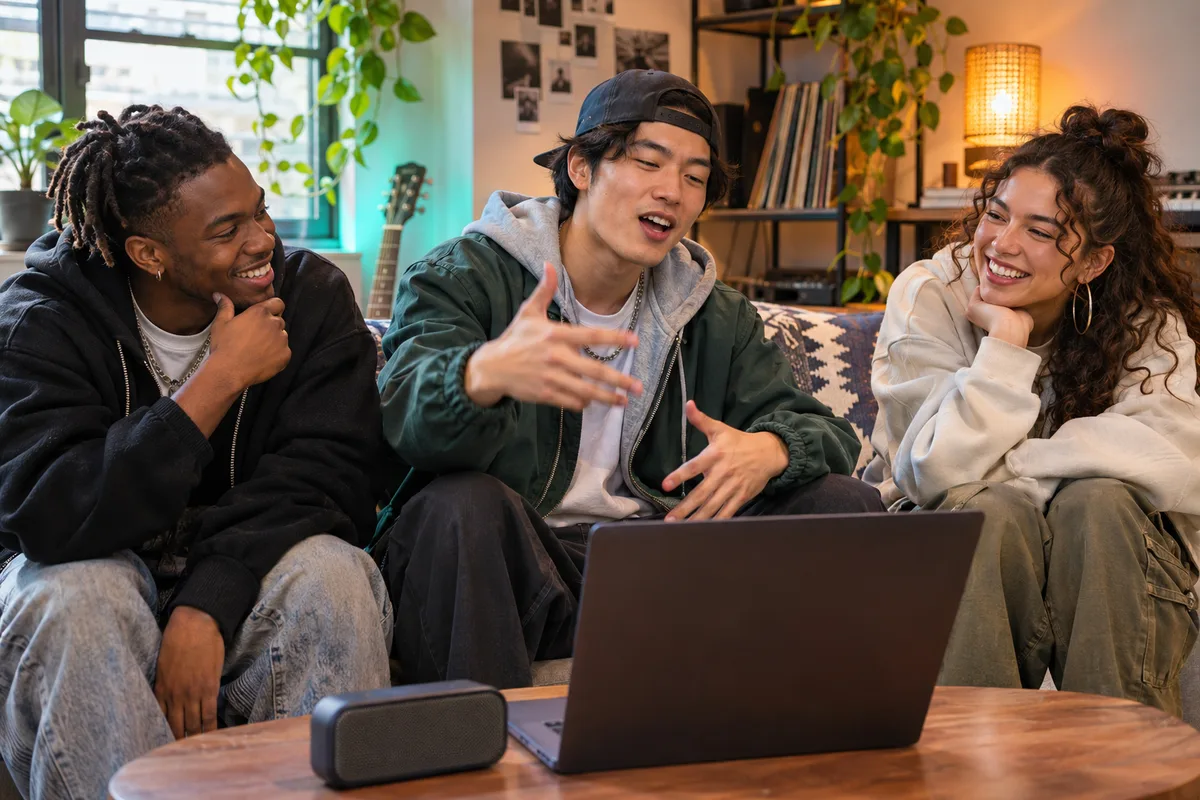
Three friends taking turns freestyling around a shared laptop and speaker
Freestyle with friends · Take turns
WHEN THE NEXT LINE DOESN’T COME

Change the exercise.
Keep your flow.

01

Repeating the same lines?

Describe a place, a movement or an object before reaching for the rhyme. A new topic can change what you talk about; two unrelated words can change the connection you make.

02

The next word arriving too soon?

Give yourself twelve seconds, or switch to Manual and stay with one word until the idea is finished. You can skip a prompt without ending the practice.

03

Finding it hard to follow a beat?

Start without sound while you make connections. Add the metronome when you want a steady pulse, or choose an instrumental from your device. The word timer stays in seconds so you can set the pace independently.

04

A line worth keeping?

Pause, write it in Keep a line, then return to the same prompt. Your notes stay with the practice, ready to copy, download or develop into a verse.

Back to practice
KEEP THE LINE. CHOOSE THE NEXT STEP.

From a freestyle
to something you can share.

You don’t need to finish a song during practice. Keep one line you like, then decide what it should become.

01 / THE WORDS

Shape it into a verse.

Take your own lines to the writing tool. Extend the idea, change a passage or build a hook around the phrase you want to keep.

Rap lyrics generator
02 / THE TRACK

Hear the words on a beat.

Use finished lyrics to make a rap track with vocals and music. You can also create an instrumental for your next freestyle session.

Rap song generator
03 / THE PERFORMANCE

Put a finished track on screen.

Bring a vocal recording and a clear portrait to the rap video tool. Direct the performance once you have the audio you want to use.

Make a rap video
BEFORE YOUR NEXT ROUND

Freestyle practice
questions.

Where can I practice freestyle rap online with random words?

RapDirector’s freestyle rap word generator gives you random words, word pairs and topics while you make up your own lines. You can start without an account, use a timer or advance manually, and keep the phrases you want to develop.

Is there a freestyle word generator I can use with my own beat?

The freestyle practice tool lets you play an instrumental from your device alongside timed word prompts. You can pause both together, choose a slower pace or use the metronome instead. Your audio stays on your device.

Which tool lets me practice rap with my own list of words?

Use My words in the practice workspace to add one word or phrase per line and practice from that list. It works for a subject you want to explore, a few audience suggestions or a round with friends, without a microphone or voice score.

Does this write rap lyrics for me?

It gives you prompts while you create the lines. If you want help writing or revising a verse, take the lines you have kept to the rap lyrics generator.

What words should I start freestyling with?

Start with familiar objects, places and actions: a train, a window, your keys or the street outside. Describe something specific before chasing a rhyme. Use topics to stay with a story, or two words to practice connections.

Can I use a random rap word generator at my own pace?

Yes. Choose Manual to stay with a word until you are ready. For timed practice, try eight or twelve seconds while you find your first lines, then shorten the interval when you can finish a thought comfortably. You can pause or skip at any time.

Can I save the lines I come up with?

Write them in Keep a line, then copy or download your notes. Build a verse carries the notes to the writing tool for you to review. This practice tool does not record or transcribe your voice.

Can I use this for a freestyle cypher with friends?

Yes. Use fullscreen so everyone can see the current prompt, choose a theme or add your group’s own words, and pass the verse when you are ready. You can practice on one screen without setting up accounts for everyone.