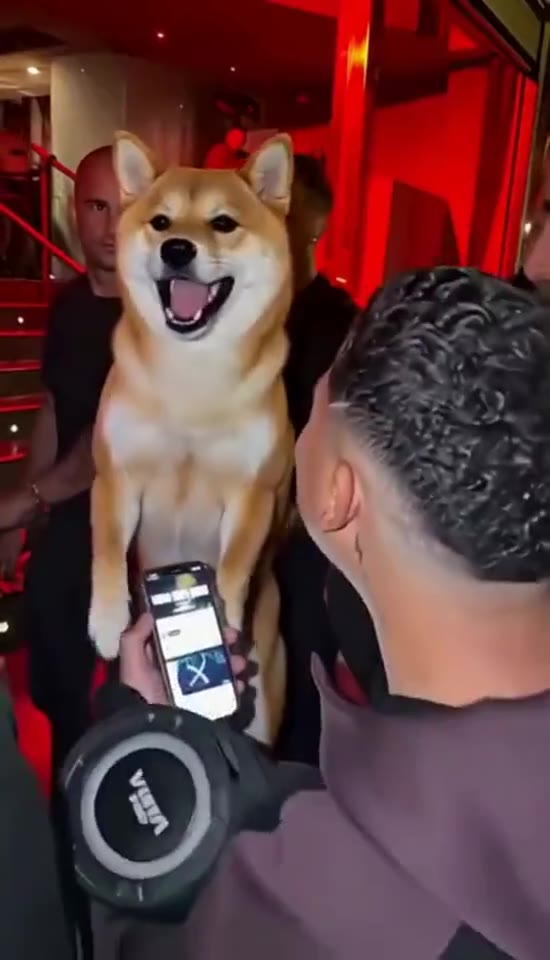
The crowd has a new favourite
01
 RapDirector
Step into the crowd. Your face, quick bars, and thirteen seconds of front-row energy.
Adding your photo opens Studio with this reference video.
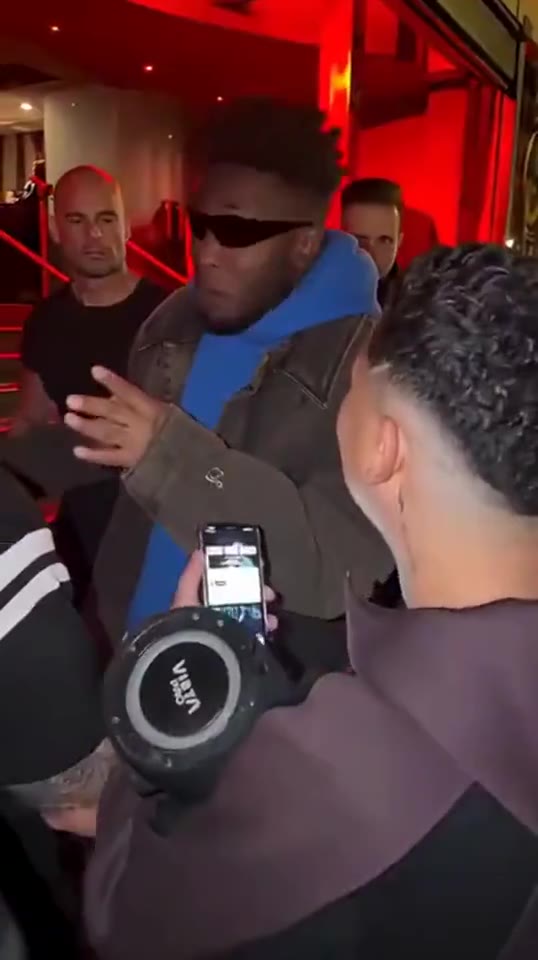
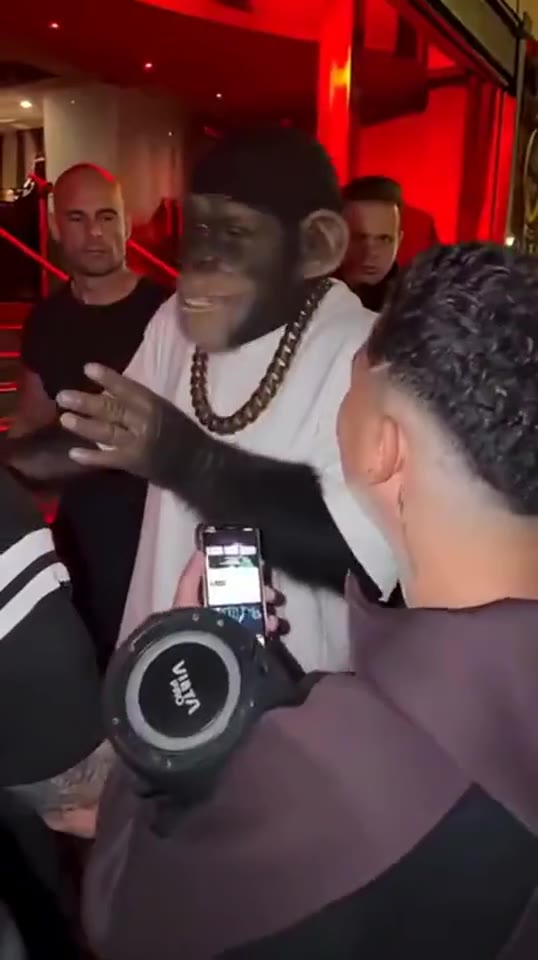
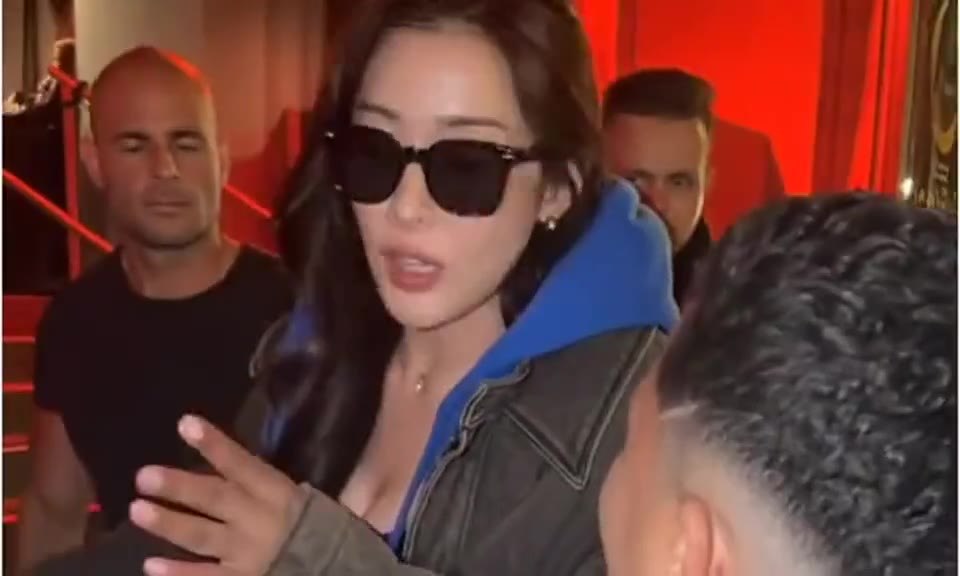
The Bulin 47 AI trend centres on a lively freestyle at a red-lit venue entrance. This template uses the first thirteen seconds of Front-row energy: fast delivery, small steps and shoulder bounce, with people reacting nearby. Your photo replaces the lead facing the camera, not the person filming in the foreground.
Choose one sharp portrait showing your face, hair and upper body. The model follows the lead through forward leans and a brief sideways turn. Background spectators keep their own appearance, so your face stays on the performer you chose.
Start with your photoThe thirteen-second cut preserves the continuous handheld shot and its sequence of gestures. Choose your model and quality, keep the vertical format for a close social clip, and add a short direction for the expression or attitude. No separate reference-video upload is needed.
Start with your photoThe lead performs into the camera while the surrounding crowd stays part of the scene. The small steps matter as much as the facial expression.
Bulin 47 follows the rapid Spanish delivery of the street-crowd clip. Its voice and rhythm matter just as much as the red-lit entrance.
The lead performs the reference freestyle while taking short steps and bouncing the shoulders. A different rap over the same scene is a different version.
Your portrait belongs to the person facing the lens. The foreground spectator and crowd keep their own identities.
Ask for a confident look or a playful expression. Leave the words and rhythm to the selected reference, or use One photo in Studio for your own track.
Upload one portrait for the rapper facing the camera. You do not need a photo for the crowd or the person filming.
Use a clear front or slight three-quarter view. Keep the hairline, jaw and ears visible where possible.
A chest-up or waist-up photo gives the moving performer more useful detail than an extreme face crop.
Pick a direction to add to your video. You can edit it before continuing.
Keep the direction focused on the central lead facing the lens. Do not describe the foreground spectator as the rapper.
Keep the thirteen-second template and use a brief energy cue. Long scene descriptions can compete with the reference movement.
Try a sharper portrait with less shadow across the cheeks. Check the moving face, not only the opening frame.
Choose one clear image with the face, hair and upper body visible.
Keep the 13-second performance. Choose your model, quality and format, then add an optional direction.
Your photos and settings arrive together. Review the credit price, create the video, then play and download the result.
The Bulin 47 template uses a solo reference performance with its matching sound, expressions and rhythmic gestures. Your portrait supplies the featured person’s appearance. The reference does the directing, so you can start from a photo rather than write a new performance prompt.
Choose your portraitListen to the vocal passage and watch the performer’s expression, gestures and framing. Choose the clip for that complete sequence, not just for a thumbnail or similar background.
Use a sharp portrait with your face and the outfit you want clearly visible. Keep extra direction focused on expression or attitude. Review the moving face throughout the result, especially during quick gestures.
Your photo replaces the main rapper facing the camera in the middle of the crowd. It does not replace the foreground person holding a phone or the people watching.
It uses the first thirteen seconds of the selected reference, preserving the delivery, small steps and turn. The duration stays fixed in both the template page and Studio.
No. One clear photo is enough to start. The template includes the movement reference.
Yes. Choose the model and resolution before continuing, or change them in Studio. The credit price updates with your selection.
The template keeps the crowd and assigns your photo only to the featured lead. Review the face and background people in the finished clip before sharing.
Use One photo in Studio and choose lyrics or Upload or record. That lets you create a performance around your own words or audio rather than this fixed video sequence.
You can choose a template, add portraits and adjust the settings before signing in. Sign in when you are ready to generate. Your files and selections stay in this browser tab.
The credit estimate updates with the model, quality and duration. The workspace confirms the price before creation. Opening a template does not spend credits.
No. Your selected portraits, template, duration, format and extra direction travel together. You can review and change them in the workspace before creating.
Build a performance around your song, or write a verse for each person.