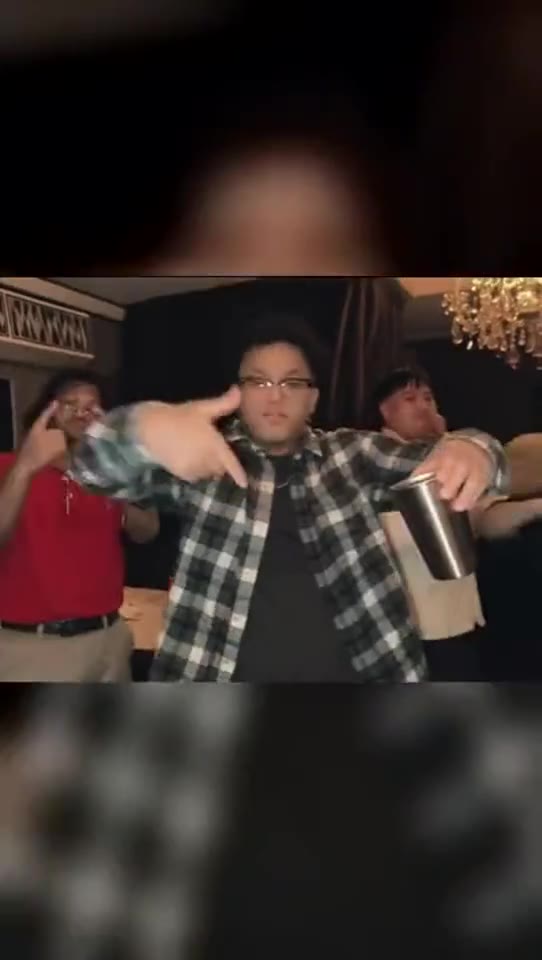
The party-floor original
01
 RapDirector
Your entrance. Your close-up. A room that moves with you.
Adding your photo opens Studio with this reference video.
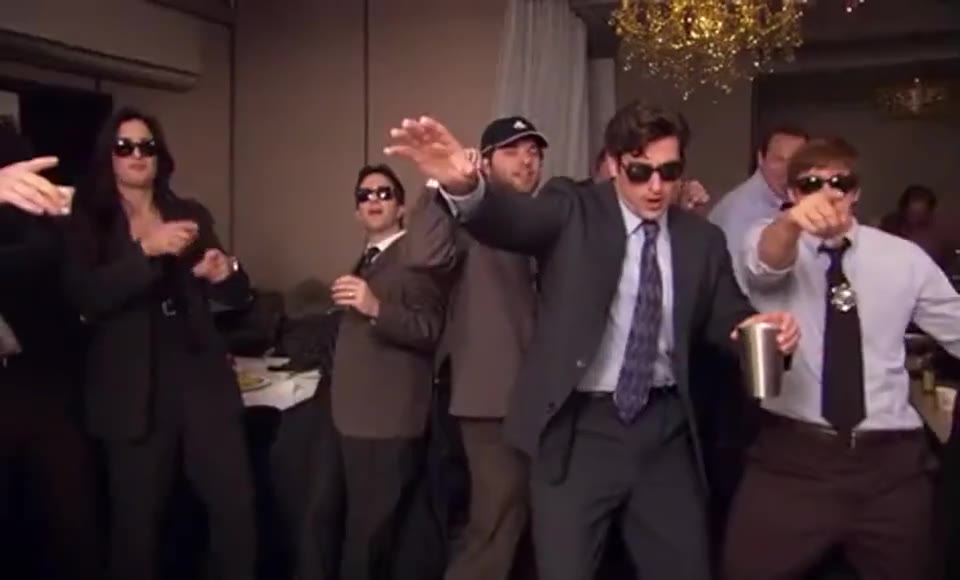
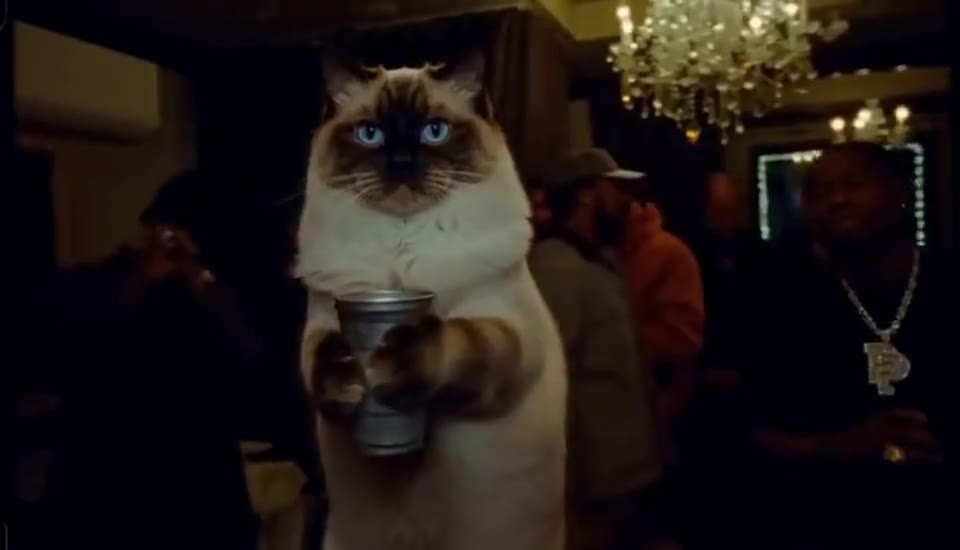
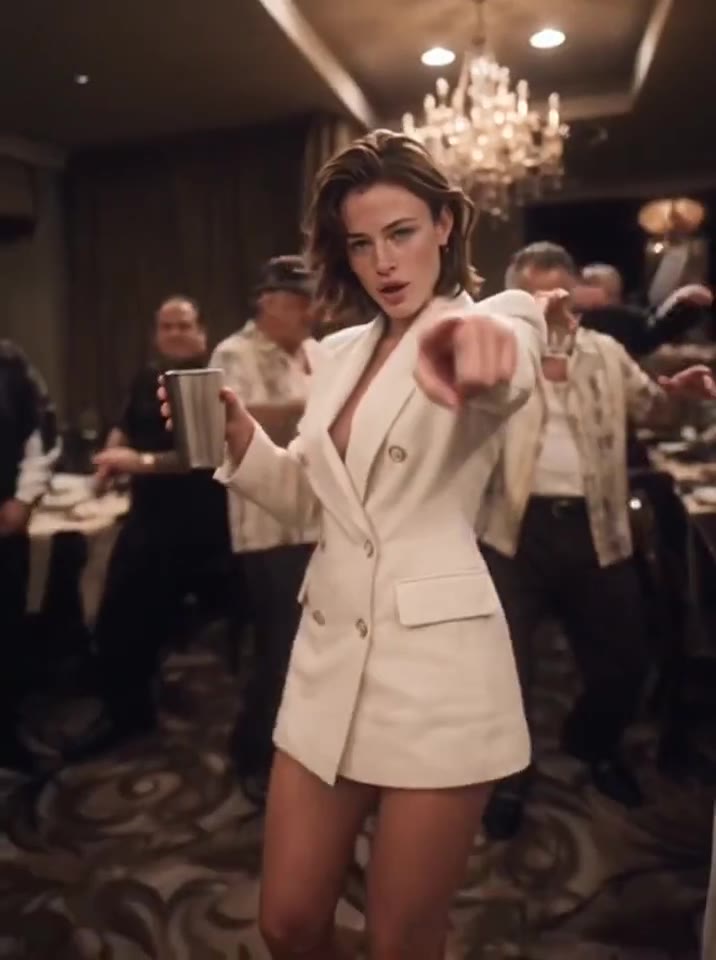
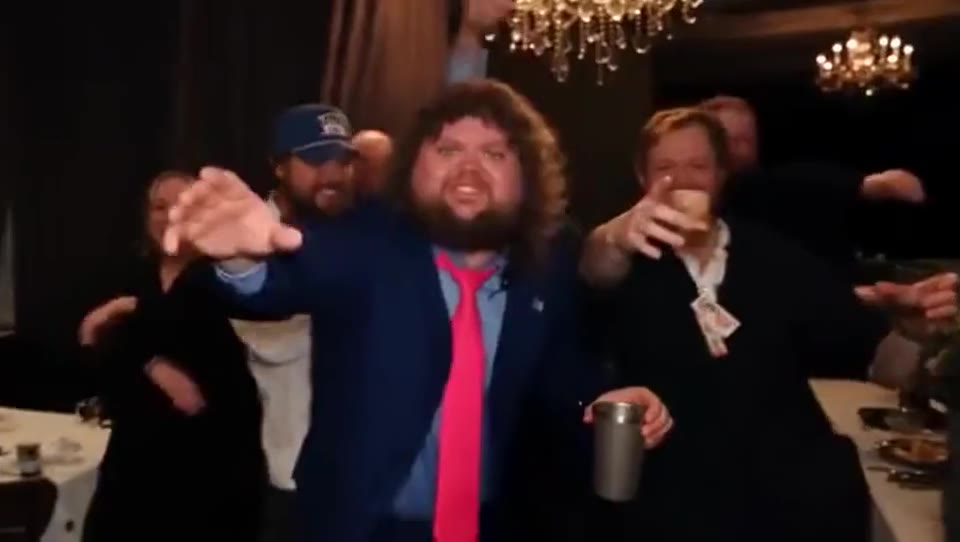
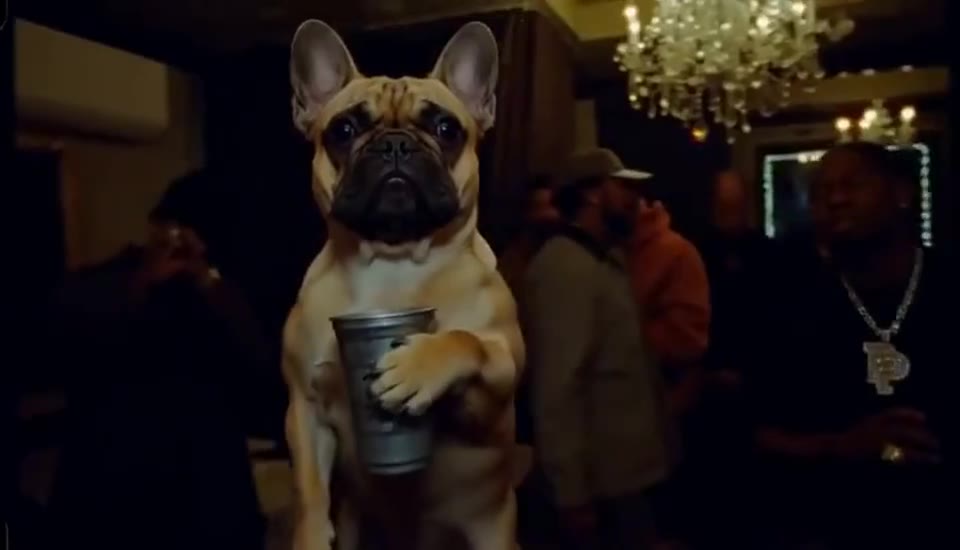
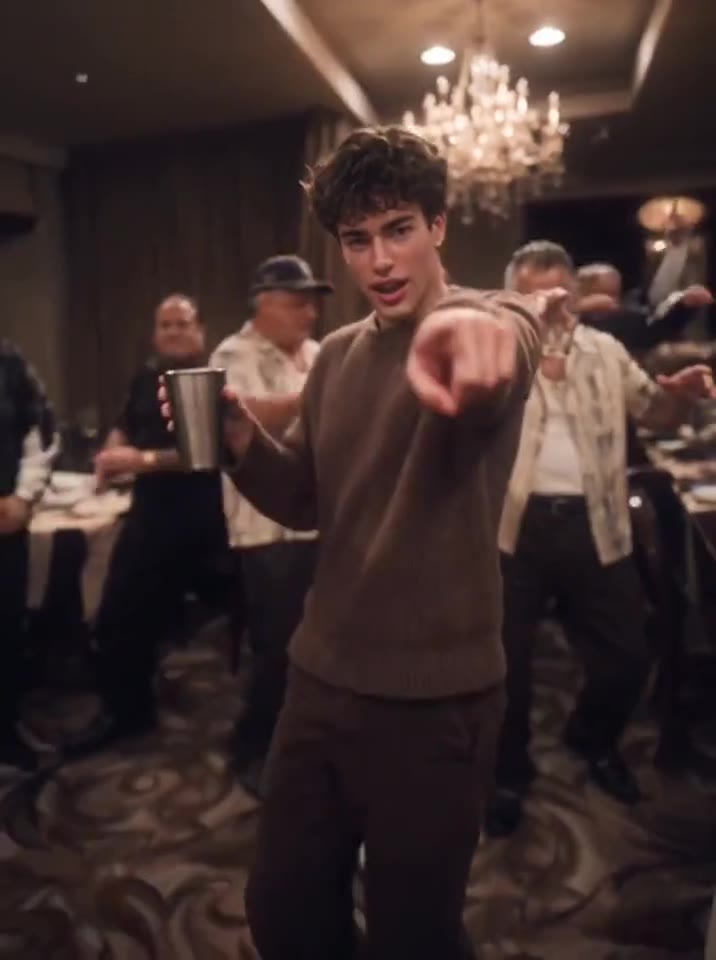
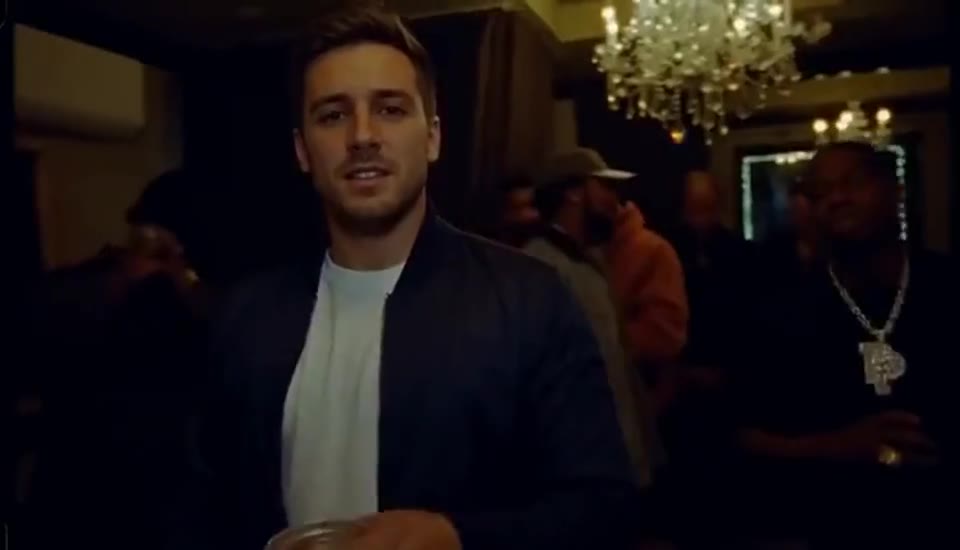
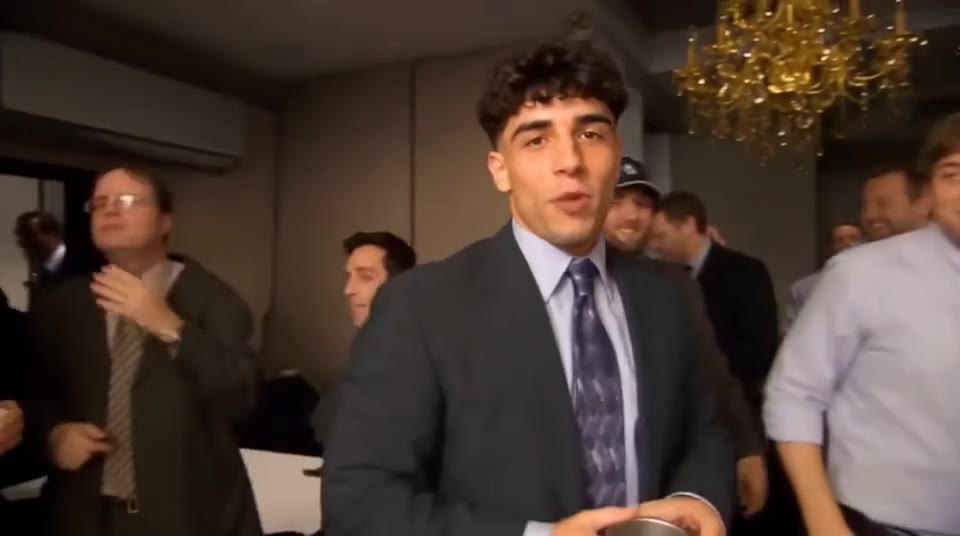
The Burning Bridges AI trend puts a new lead into a warm, crowded party performance: cup in hand, gestures toward the camera, then a close side profile. This template follows a fifteen-second section of that sequence with your uploaded portrait.
Your portrait replaces the foreground lead with the metal cup. Use one clear head-to-waist photo to carry the same face, hair and outfit through the reach toward the lens and the final side turn. The guests keep their own faces and reactions.
Start with your photoThis template follows the first fifteen seconds of the party reference, including its vocal timing, cup gestures and camera cuts. Choose landscape for the party scene or vertical for a closer lead. The model and quality are adjustable; the selected sequence and duration stay together.
Start with your photoThe cup, the gestures and the close-up carry the sequence. Your portrait replaces the featured performer while the room remains a busy party.
Burning Bridges pairs its original vocal with the lead’s reach toward the lens, cup gesture and final side turn. Keep that sound and sequence while changing the featured performer.
The reference supplies the same vocal entrance and beat through the whole sequence. There is no separate verse to write in template mode.
Your photo replaces the foreground performer holding the metal cup. The guests behind the lead keep their own faces, outfits and reactions.
Use 16:9 to show the party or 9:16 to favour the lead. Format changes the crop; it does not select a different song.
A sharp head-to-waist photo gives the model both facial detail and clothing to carry through the party.
Avoid a phone or drink covering the face. The video reference already supplies the cup and its movement.
A front or slight three-quarter view works better than a face hidden completely in profile or shadow.
Pick a direction to add to your video. You can edit it before continuing.
Keep the instructions to one cup and one free hand. Avoid adding another prop or asking for extra hand choreography.
Use one clear portrait and refer only to the featured lead. Background people should keep separate identities.
Use 16:9 to show the room and reactions. Choose 9:16 when the main performer matters more than the surrounding guests.
Choose one clear image with the face, hair and upper body visible.
Keep the 15-second performance. Choose your model, quality and format, then add an optional direction.
Your photos and settings arrive together. Review the credit price, create the video, then play and download the result.
Burning Bridges follows a featured performer at a party, including the cup gesture, reach toward the lens and side turn. Your portrait replaces that foreground lead. The selected video guides the vocal passage, camera sequence and background reactions.
Prepare the featured performerUse the person holding the cup closest to the camera as the lead. The guests are background characters, so use a single-person portrait and keep extra direction focused on that featured performer.
Play the full sequence with sound. Check that the same face remains on the lead through the side turn, the cup stays consistent and the surrounding guests retain their own identities.
No. This template creates a fifteen-second party-performance clip from the beginning of the selected reference.
One person from head to waist, with a clear face and visible clothing. A slightly turned portrait can work, but avoid a fully hidden profile or covered mouth.
No. It replaces only the featured lead. The background guests keep their own appearance and positions.
The selected reference includes the song heard in the party clip. The template follows that soundtrack and its fifteen-second sequence rather than asking for a different beat or new lyrics.
Your portrait supplies the appearance and outfit. Use Extra direction for a short mood or expression cue while keeping the cup and party sequence consistent.
Yes. Choose 9:16. Landscape 16:9 leaves more room for the crowd; vertical brings the lead closer.
You can choose a template, add portraits and adjust the settings before signing in. Sign in when you are ready to generate. Your files and selections stay in this browser tab.
The credit estimate updates with the model, quality and duration. The workspace confirms the price before creation. Opening a template does not spend credits.
No. Your selected portraits, template, duration, format and extra direction travel together. You can review and change them in the workspace before creating.
Build a performance around your song, or write a verse for each person.