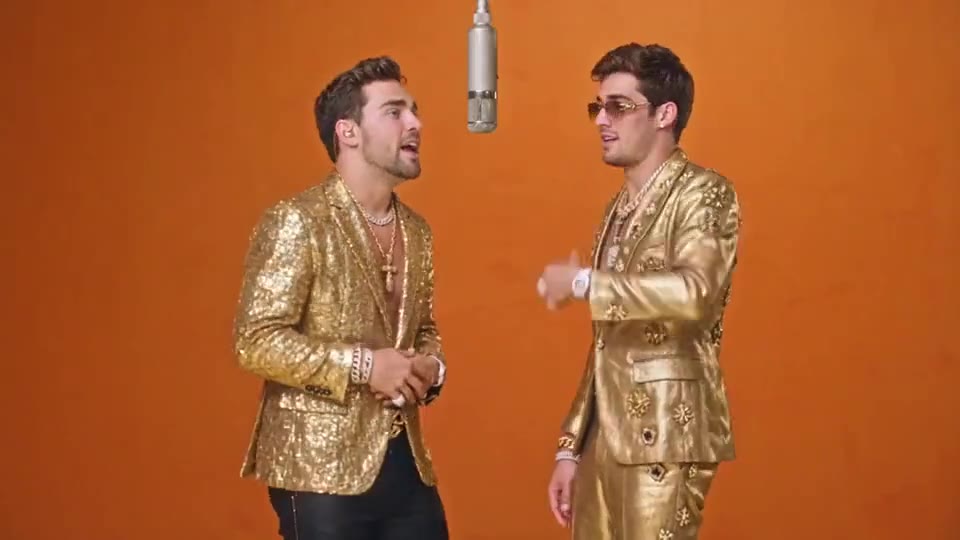
Golden hour on the mic
01
 RapDirector
You and your partner. One silver mic. Ten seconds of orange-booth energy.
Adding your first photo opens Studio. Add the second portrait there.
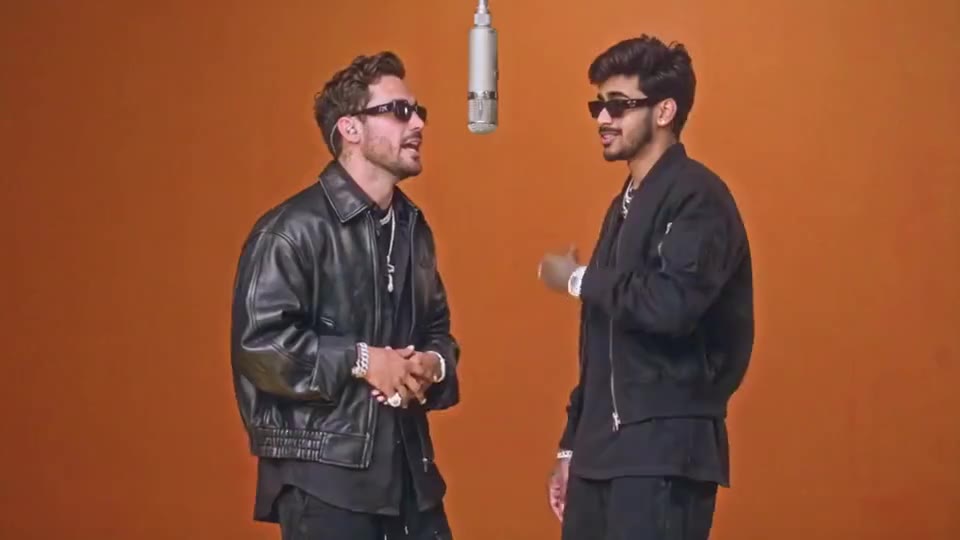
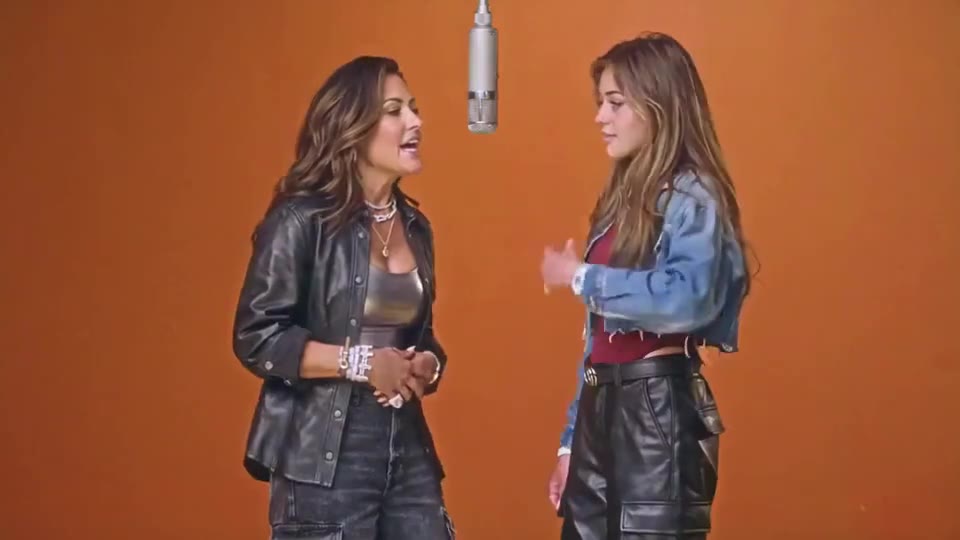
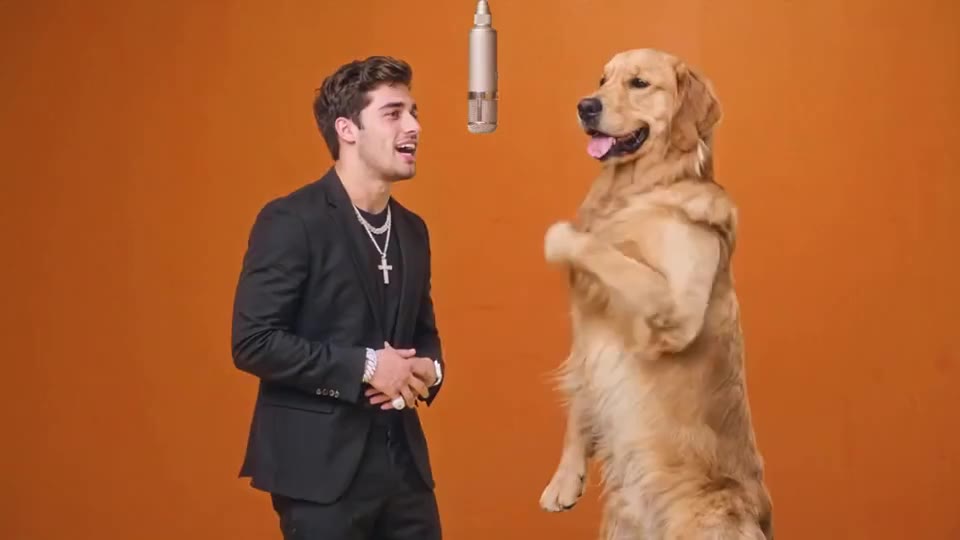
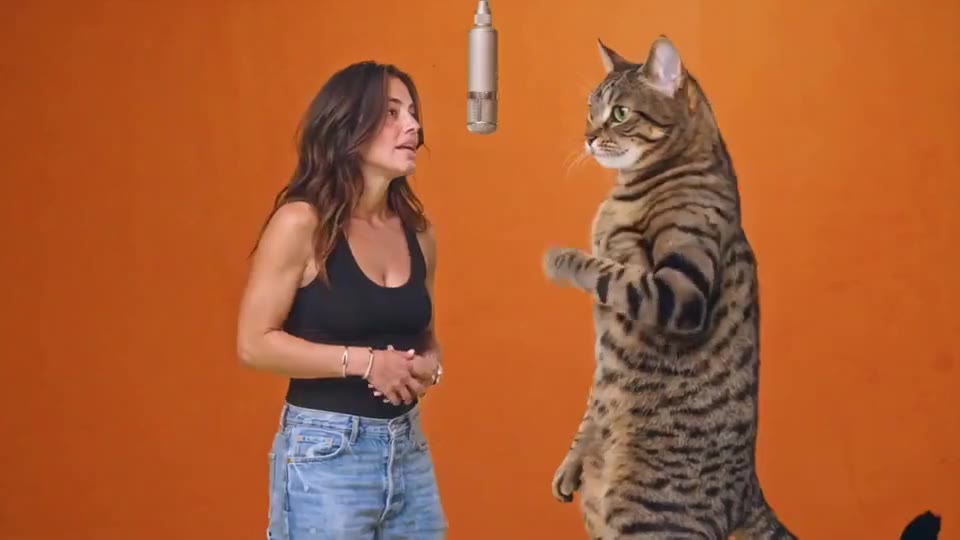
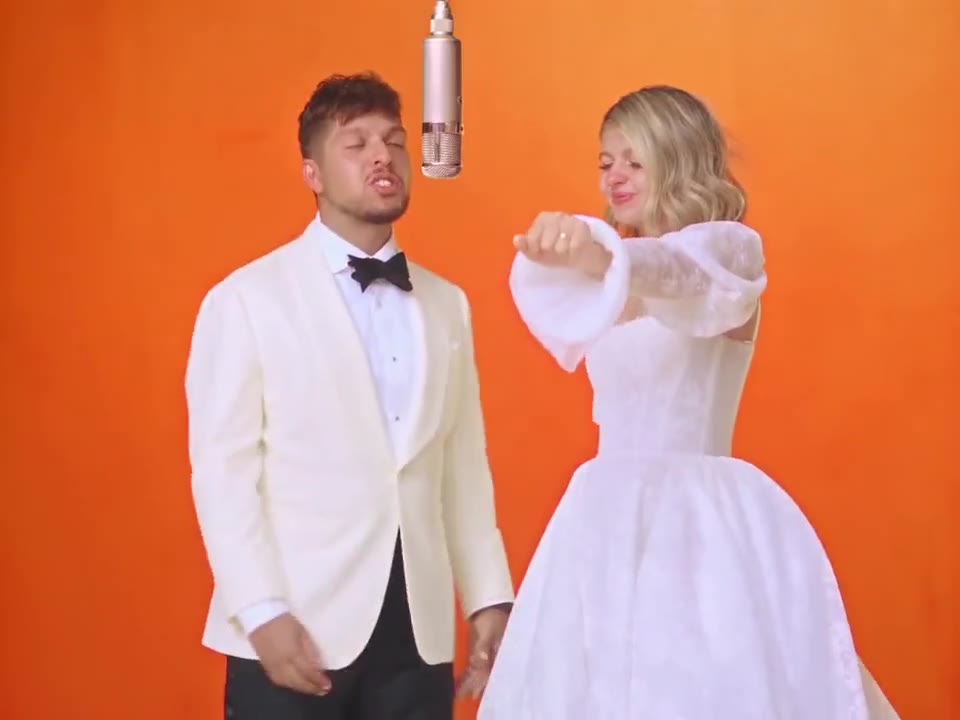
The Hotel Lobby AI trend puts two performers side by side under a hanging microphone. This template follows the selected video: an opening two-shot, a closer exchange, then a full-body finish on the orange platform. Your portraits supply the performers; the video supplies the movement and camera cuts.
Place the opening portrait on the left and your partner on the right. Want to replace just one person? Choose Left or Right in Studio. Each portrait stays attached to its own side as the framing changes.
Start with your photosThe template stays at ten seconds so the handover and final wide shot have the right pace. Choose landscape for the full booth, vertical for TikTok and Reels, or square for a profile post. Model, quality and extra direction remain yours to choose.
Start with your photosThe duet works because the two people react to each other. Keep both faces clear through the close-up and the final wide shot.
The orange booth is only half the trend. The Hotel Lobby vocal, beat and handover between the pair make the performance recognisable.
Listen to the vocal changes in the reference. Each face belongs to its own part; the other person reacts between lines.
Use one portrait per side. The silver mic, orange room and ten-second sequence come from the template.
Use Extra direction for expressions or small gestures. For new lyrics or a different song, choose Two photos in Studio.
Crop out other people. Use the left slot for the left performer and the right slot for their partner.
Avoid hands over the face, deep shadows and tiny faces in a distant group shot. The close-up needs detail.
Each portrait guides its own outfit. Different colours help the pair read clearly against the orange room.
Pick a direction to add to your video. You can edit it before continuing.
Use a different, clearly lit portrait in each slot. Check the left and right assignments before generating.
Try 16:9 to keep the booth and both people in frame. A vertical version gives the pair less space.
Open Two photos in Studio and enter each verse separately. The template keeps its prepared performance; the custom mode gives you the words.
Place one clear portrait in each slot. The first is left; the second is right.
Keep the 10-second performance. Choose your model, quality and format, then add an optional direction.
Your photos and settings arrive together. Review the credit price, create the video, then play and download the result.
The Hotel Lobby template recreates the orange-booth duet with a hanging microphone and the matching vocal passage. Portraits replace the featured performers, while the reference guides their movement and delivery. Listen to the selected clip to check the exact version you want.
Make an original rap duoNo. An orange room is only part of the look. The matching sound, featured roles and performance are what connect a reference to this template. Preview it with sound before choosing your cast.
Choose Hotel Lobby to follow its reference performance. For a new exchange with names, jokes or your own recordings, use Two photos in Rap Studio and give each performer their own part.
Use two separate portraits to replace both people. In Studio you can also choose Left or Right and replace one performer with a single photo.
The left photo replaces the person on the left of the reference. The right photo replaces the person on the right. Use different portraits with clearly visible faces.
Yes. The selected orange-booth clip is included as the video reference. You only need to add the portraits.
This template stays at ten seconds to keep its cuts and performance sequence. For a different length, switch to One photo or Two photos in Studio.
Audio is on. The model uses the reference rhythm and performance as guidance; review the generated sound before sharing. You can also add a sound available in your social app.
Yes. Switch to Two photos in Studio to enter each person’s lyrics or upload a separate recording for each performer. Your photos remain in the workspace.
You can choose a template, add portraits and adjust the settings before signing in. Sign in when you are ready to generate. Your files and selections stay in this browser tab.
The credit estimate updates with the model, quality and duration. The workspace confirms the price before creation. Opening a template does not spend credits.
No. Your selected portraits, template, duration, format and extra direction travel together. You can review and change them in the workspace before creating.
Build a performance around your song, or write a verse for each person.